Bug #1286
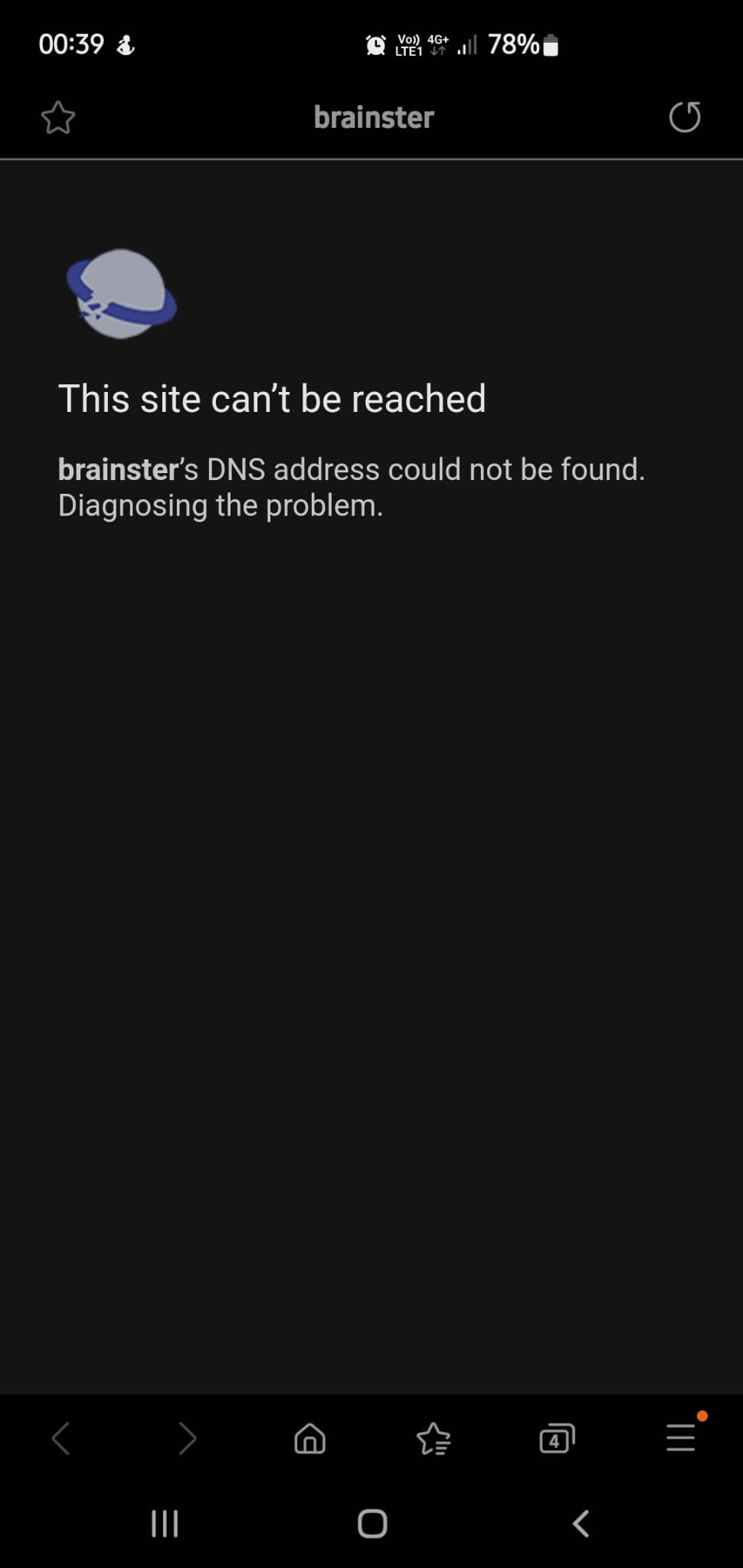
openAfter scanning the QR code, an error message is displayed
0%
Description
When a user selects the "Testing webinar" option on the dashboard page and scans the QR code, the resulting web page displays an error message stating "This site can't be reached," with the additional message that brainster's DNS address could not be found. Diagnosing the problem.
Steps to reproduce:
1. Navigate to URL https://qainterrapt.brainster.xyz/dashboard
2. From the dashboard page select "Testing webinar"
3. "Testing webinar" should be open
4. Locate and scan the QR code
5. Web page should be open with error message "This site can't be reached"
Expected result: The web page should be successfully opened without any errors
Actual result: The web page is displaying error message "This site can't be reached"
and additional message that brainster's DNS address could not be found. Diagnosing the problem.
Files
No data to display