Actions
Bug #1701
open[Attendees] User is not able to export selected Attendees in Excel and Csv file.
Start date:
12/21/2023
Due date:
% Done:
0%
Estimated time:
Description
- Description:
The user is not able to export selected Attendees in Excel and Csv file.
- Environment:
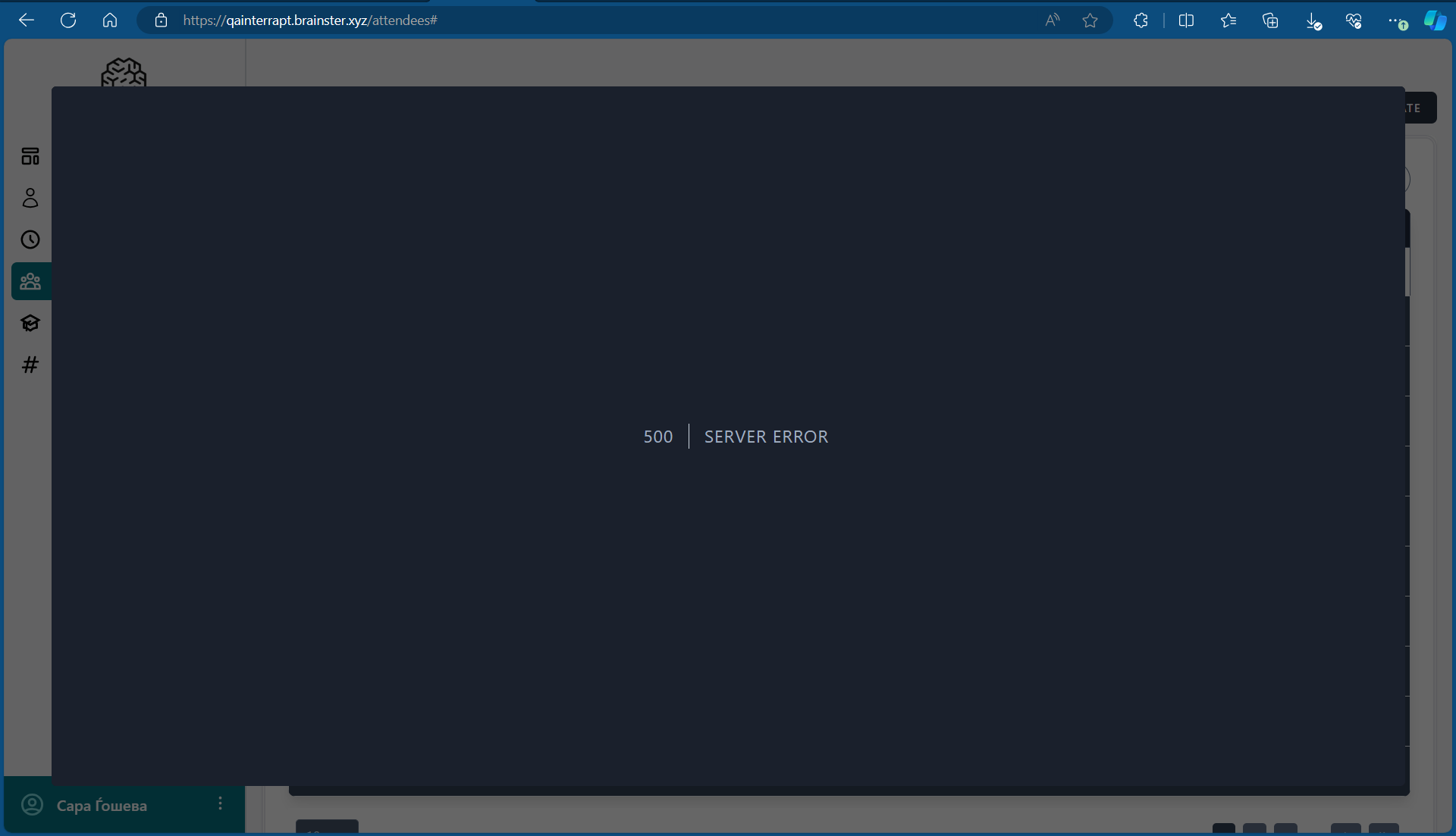
Laptop / Windows 11 Home V. 23H2 / Microsoft Edge Version 119.0.2151.93 (Official build) (64-bit) Desktop View
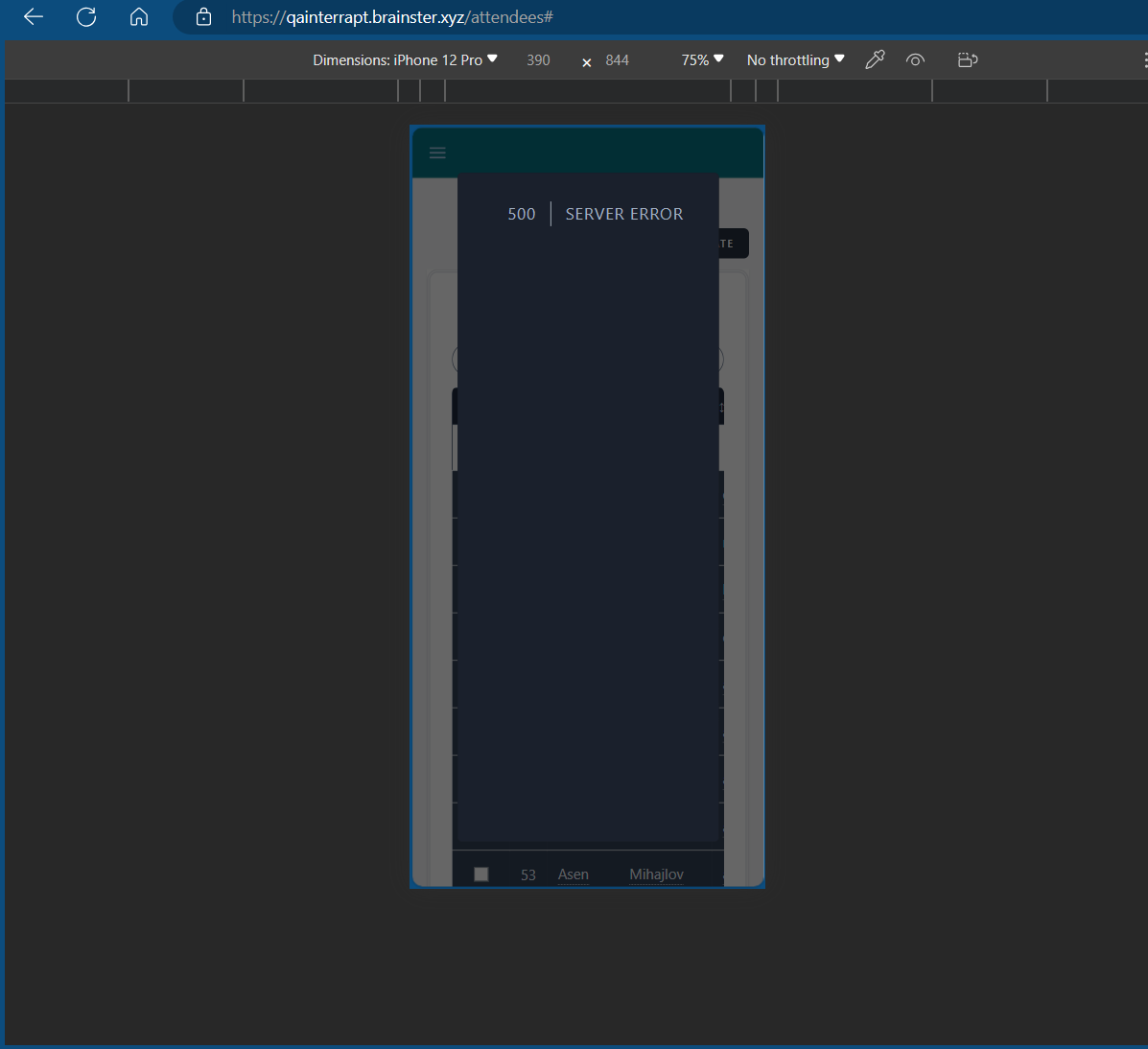
iPhone 12 Pro / Mobile View
- Pre-conditions:
User must be navigated to: https://qainterrapt.brainster.xyz/login and logged in.
- Steps to reproduce:
- Click on the 'Attendees' button in the navigation menu.
- Select attendees from the list of attendees.
- Click on the extract button available above the list of attendees.
- Under the available export options, click on the 'Selected' button located in the first row next to 'Excel'. / Under the available export options, click on the 'Selected' button located in the first row next to 'Csv'.
- Expected Result:
File should be exported in Excel file / Csv file and should contain all information available for the Attendees (ID, Name, Surname, Email, Webinar, Created At).
- Actual Result:
The user is unable to export selected Attendees in Excel and Csv file, Error message is shown.
Files
No data to display
Actions