Actions
Bug #2008
openAbility to Enter Text in Webinars Drop-down Field in Create Attendee Form
Start date:
01/25/2024
Due date:
% Done:
0%
Estimated time:
Description
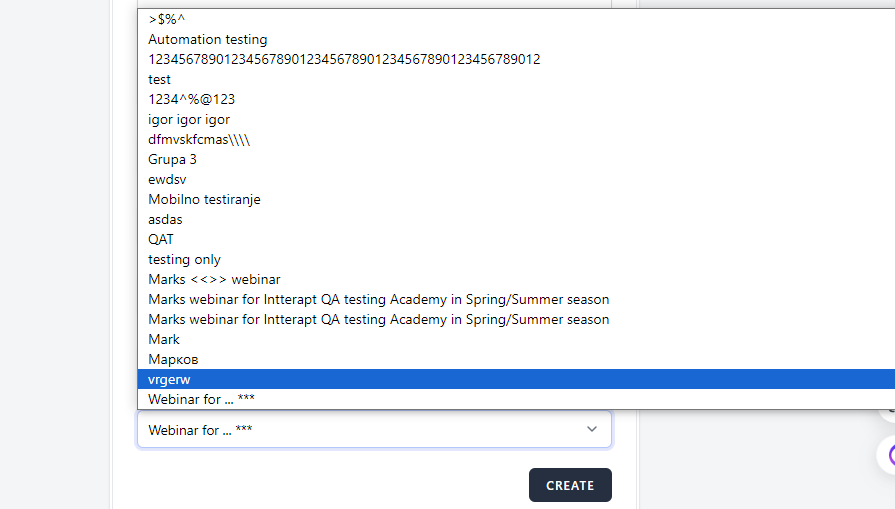
User is able to type text into Webinars drop-down field when in Create Attendee form in the Attendees menu.
Steps to reproduce
1. Login to Interrupt web page
2. Navigate to attendee menu
3. Click on crate button
4. click on webinars drop down menu and try to type
Expected results:
User shoud not be able to type, only to select webinars from the drop-down list
Actual results:
User is able to type in the drop-down field and search is performed
Platform:
Windows 10
Google Chrome Version 120.0.6099.217 (Official Build) (64-bit)
Files
| Screenshot_1.png (25.3 KB) Screenshot_1.png | |||
| Screenshot_2.png (58.5 KB) Screenshot_2.png |
No data to display
Actions