Actions
Bug #2110
openname field in Attendee allows other alphabet than Cyrillic and Latin
Start date:
01/26/2024
Due date:
% Done:
0%
Estimated time:
Description
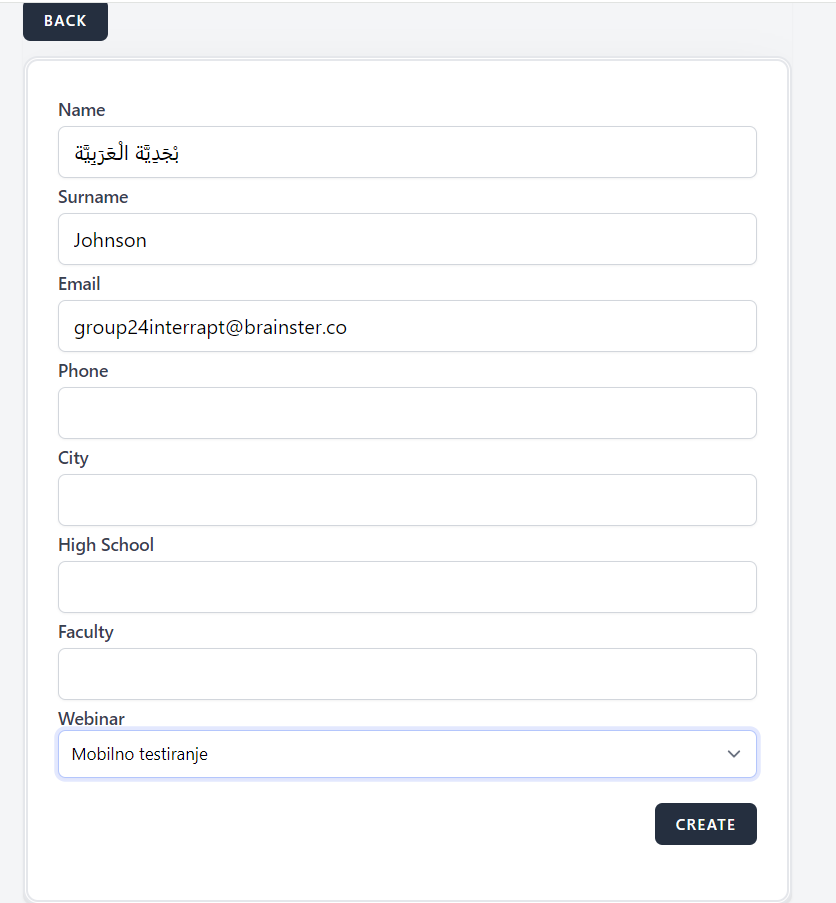
Attendee is created with Arabic alphabet in name field
Steps to reproduce
1. Navigate to https://qainterrapt.brainster.xyz
2. Click on Attendees tab
3. Click on Create button
4. Enter name
5. Enter surname
6. Enter email
7. Choose webinar
Test data
4. بْجَدِيَّة الْعَرَبِيَّة
5. Johnson
6. [email protected]
Expected result
You can't create attendee with Arabic alphabet in name field
Actual result
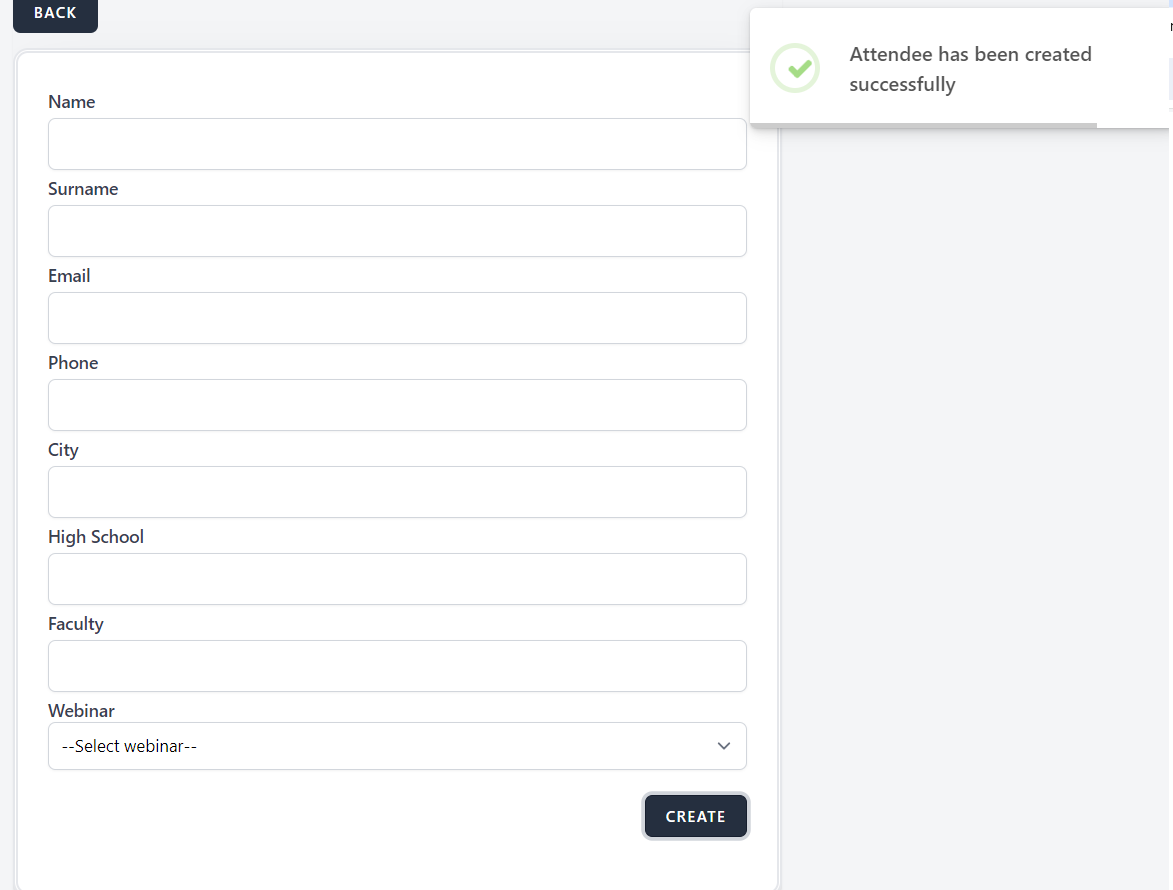
Attendee is created
Platform
Google Chrome Version 120.0.6099.217
Files
| succ attendee.png (32.4 KB) succ attendee.png | |||
| name arab.PNG (29.6 KB) name arab.PNG |
No data to display
Actions