Actions
Bug #2116
openSurname field in Attendees allows other special character than "." and "-"
Start date:
01/26/2024
Due date:
% Done:
0%
Estimated time:
Description
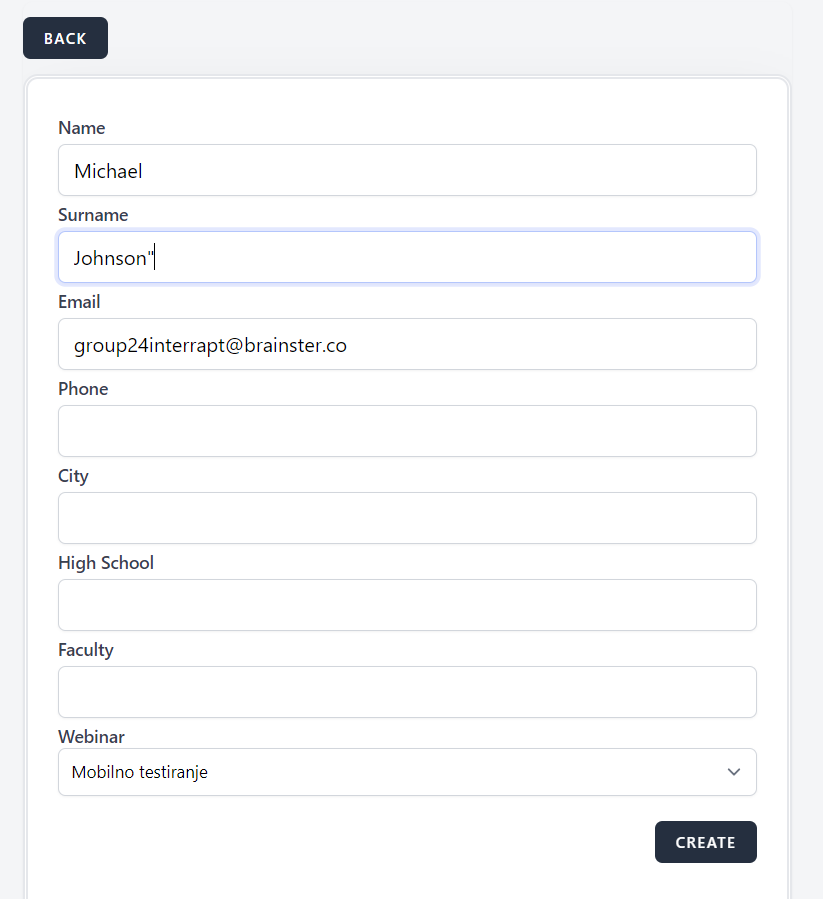
Attendee is created with """ special character in surname field
Steps to reproduce
1. Navigate to https://qainterrapt.brainster.xyz
2. Click on Attendees tab
3. Click on Create button
4. Enter name
5. Enter surname
6. Enter email
7. Choose webinar
Test data
4. Michael
5. Johnson"
6. [email protected]
Expected result
You can't create attendee with """ special character in surname field
Actual result
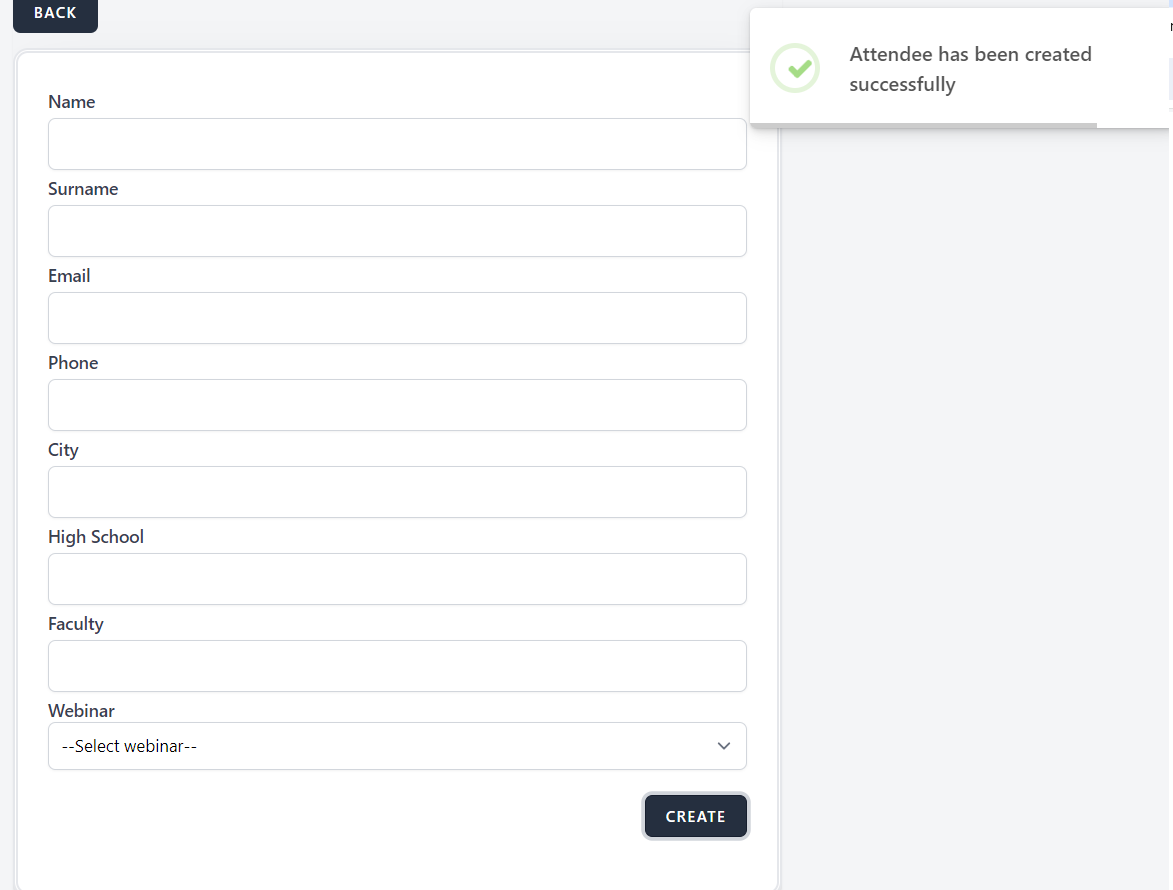
Attendee is created
Platform
Google Chrome Version 120.0.6099.217
Files
| succ attendee.png (32.4 KB) succ attendee.png | |||
| surname spec.PNG (27.6 KB) surname spec.PNG |
No data to display
Actions