Bug #2129
openWebinar can be created with any resolution of image
0%
Description
Webinar is created with any resolution of image
Steps to reproduce
1. Navigate to https://qainterrapt.brainster.xyz
2. Click on Webinars tab
3. Click on Create button
4. Enter Title
5. Enter Description
6. Choose Start date
7. Choose End date
8. Enter url link
9. Choose image
10.Choose Mentor
11.Choose Tag
Test data
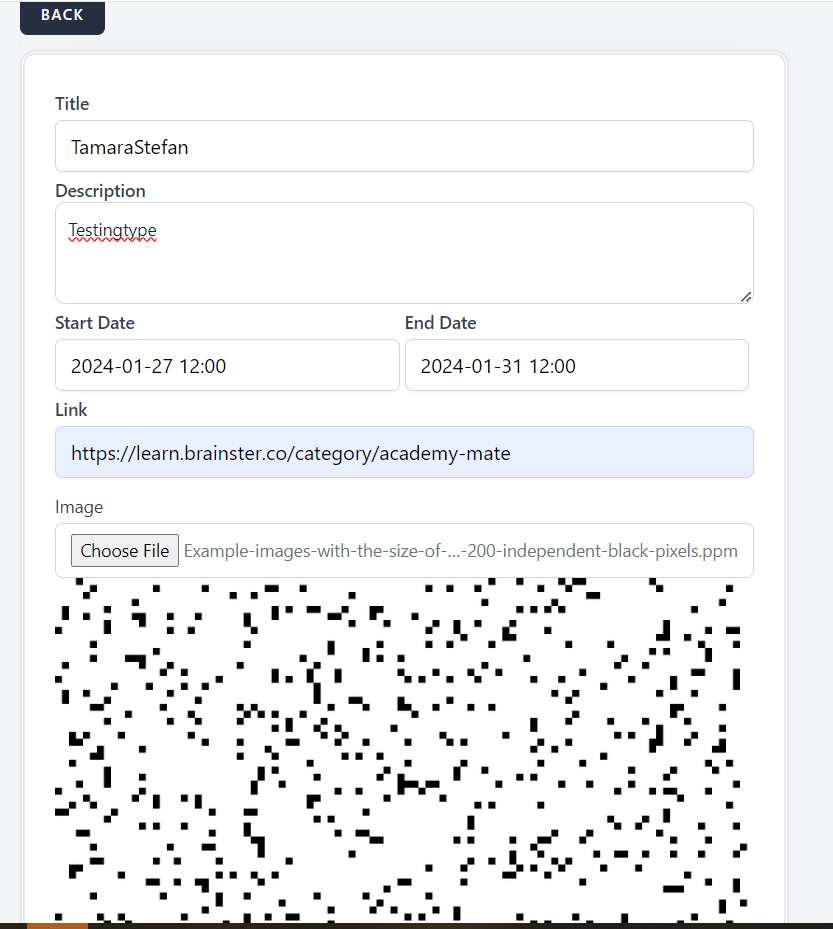
4. StefanTamara
5. Testingtypes
6. 2024-01-27 12:00
7. 2024-01-31 12:00
8. https://learn.brainster.co/category/academy-mate
9. https://www.researchgate.net/figure/Example-images-with-the-size-of-100-100-pixels-a-200-independent-black-pixels_fig1_316448153
10.Stefan Gjuroski
11.Test
Expected result
You can't create webinar with 100 x 100 resolution image
Actual result
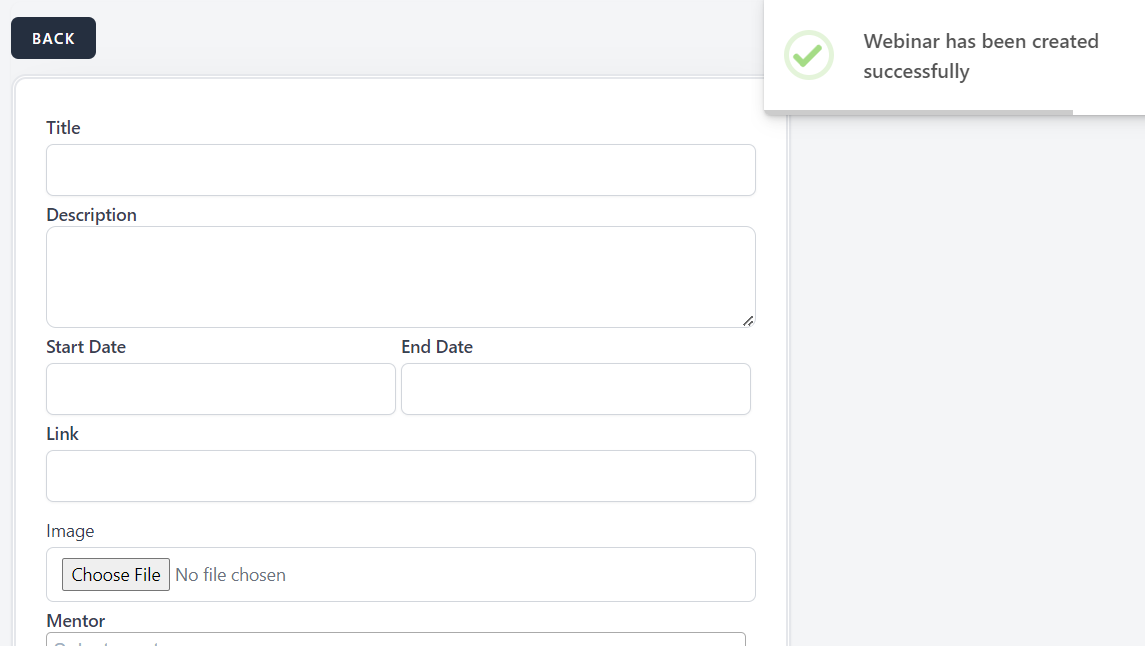
Webinar is created
Platform
Google Chrome Version 120.0.6099.217
Files
No data to display