Bug #2538
open[Webinar] The ‘Desription’ field should not accept less then 10 and more then 500 characters
0%
Description
Environment
Microsoft Edge: Version 125.0.2535.85 (Official build) (64-bit)
Windows 11
https://qainterrapt.brainster.xyz/
Steps to reproduce
1. Navigate to the log in form page
2. Log in with valid credentials
3. Navigate to the Webinars page from dashboard
4. Clik on 'Create' button in the upper right corner
5. Click on the 'Title' field
6. Fill the 'Title' field with valid data
7. Click on the 'Description' field
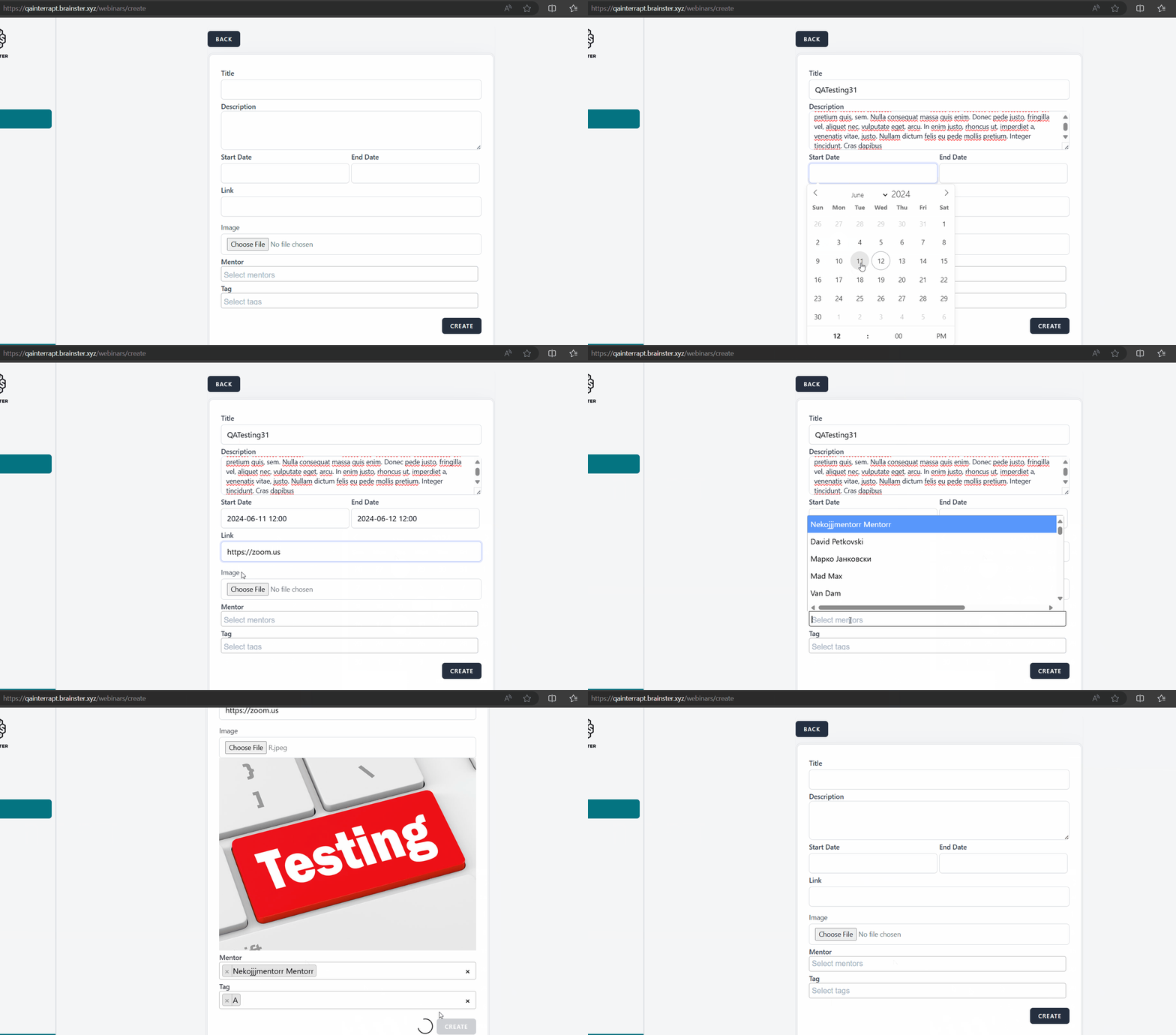
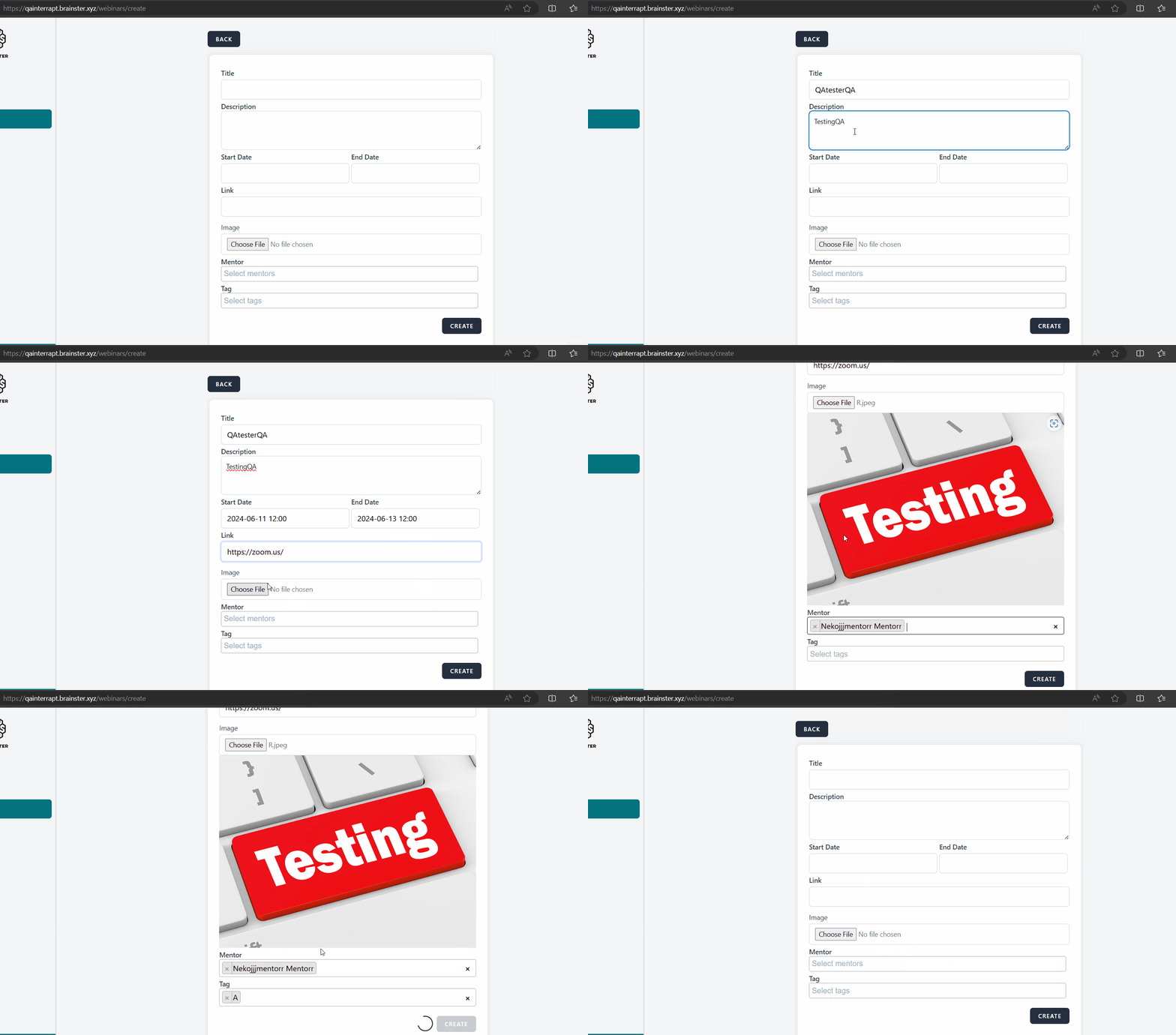
6. Fill the 'Description' field (less than 10 and more than 500 char)
7. Fill the rest of the fields with valid data
8. Click on 'Create' button
Expected results
The webinar should not be able to be created, an error message should be displayed that the 'Description' field is required
Actual result
Webinar has been created sucessfully, with 9 and more than 500 characters even though the specification lists minimum 10 and max 500 characters.
Files
No data to display