Actions
Bug #2564
open[Login] 'Enter’ key of the keyboard should work correctly on the login page.
Start date:
06/12/2024
Due date:
% Done:
0%
Estimated time:
Description
Description
'Enter’ key of the keyboard should work correctly on the login page.
Environment
Microsoft Edge Version 125.0.2535.92 (Official build) (64-bit)
https://qainterrapt.brainster.xyz/
Windows 10
Steps to Reproduce
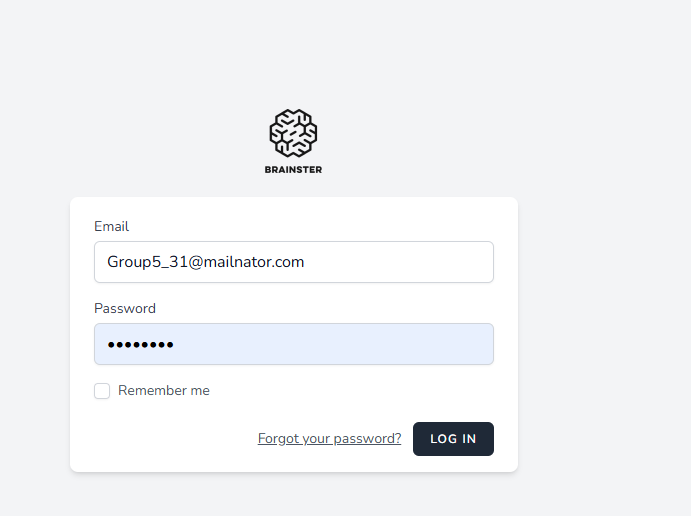
1.Navigate to URL: https://qainterrapt.brainster.xyz/
2.Navigate to Login page
3.Fill in the 'Email' field with valid data
4.Fill in the 'Password' field with valid data
5.Click on 'Enter'
Expected results
User should be successfully logged into the system and the password
field must display the entered characters as dots to prevent others from viewing it.
Actual results
The user is not logged in and redirected to the dashboard after pressing the ENTER button on the keyboard.
Files
Updated by Olgica Chupcheva almost 2 years ago
- Subject changed from [Login] 'Enter’ key of the keyboard to [Login] 'Enter’ key of the keyboard should work correctly on the login page.
Actions