Bug #2567
openCreate user function not working as specified
0%
Description
Description
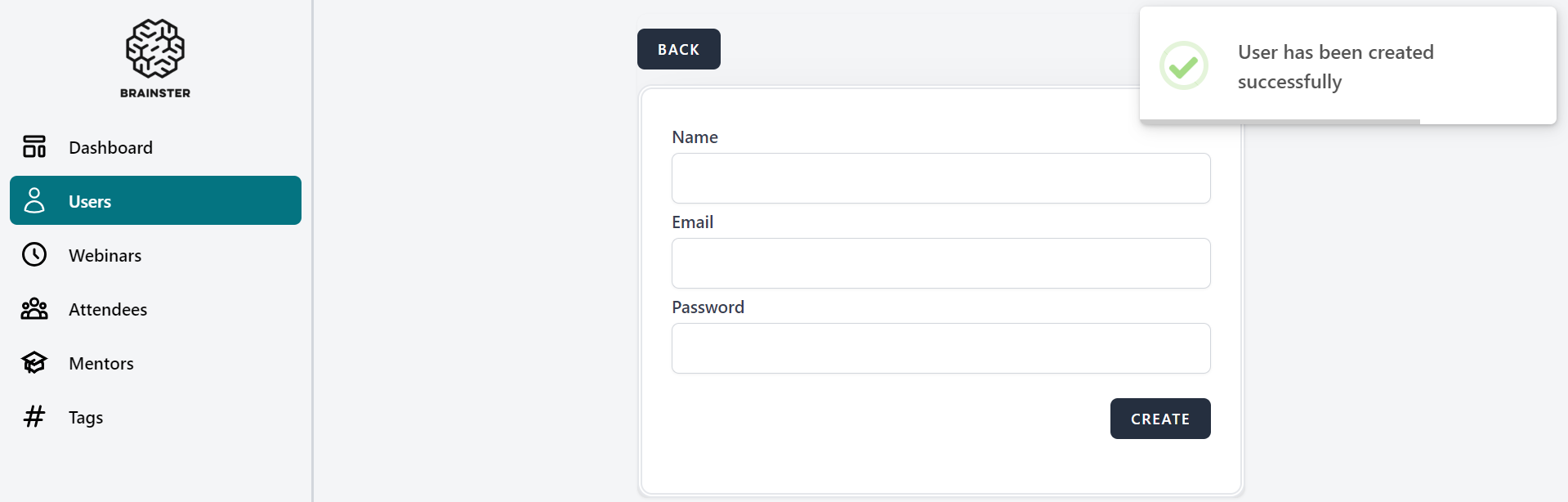
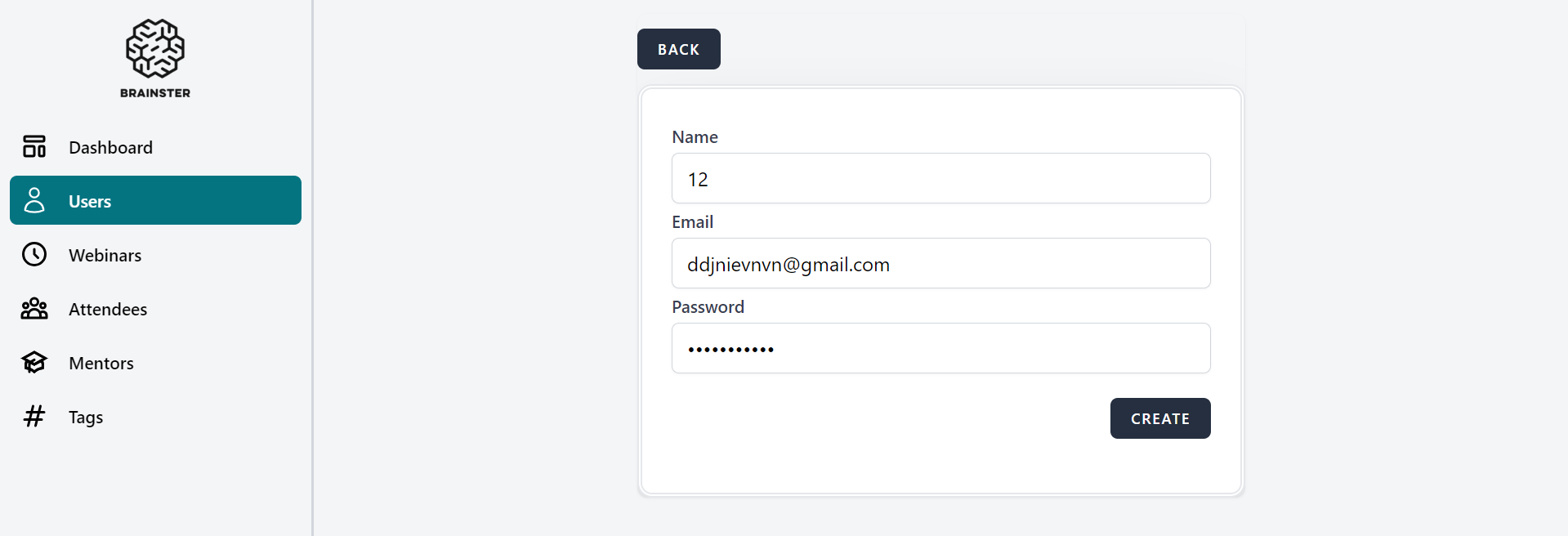
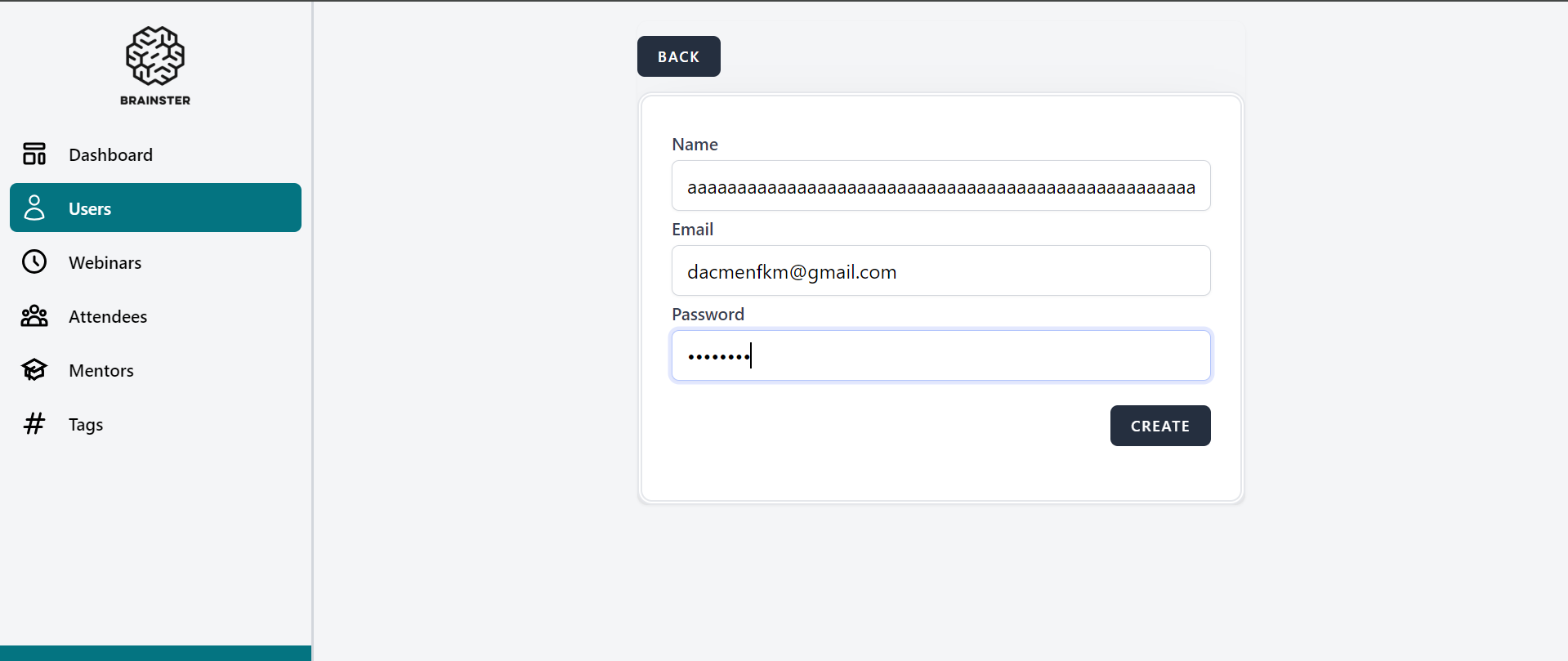
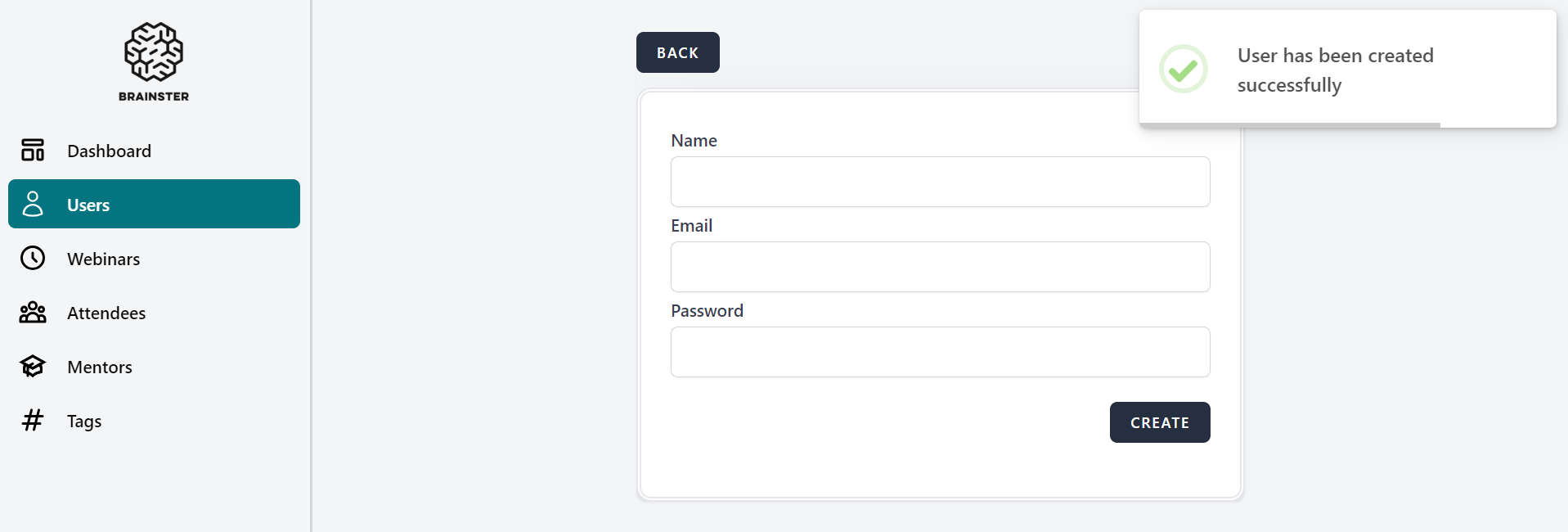
When users are creating a user using the create user function they are able to create a user with less than the specified amount of characters (3) and more than the specified amount of characters (25) in the name field.
Environment
Google Chrome Version 125.0.6422.142 (Official Build) (64-bit)
Steps to reproduce
1. Click on the 'Users' from navigation menu
2. Click on the 'Create' button on the right top corner.
3. Click on the ‘Name’ field
4. Fill in the ‘Name’ field with less than 3 characters or with more than 50 characters.
5. Click on the ‘Email’ field
6. Fill in the ‘Email’ filed
7. Click on the ‘Password’ field
8. Fill in the ‘Password’ field
9. Press ‘CREATE’ button.
Expected result
The user should be required the minimum amount of characters specified (3) and be limited to entering the maximum amount of characters specified (50) for the name field.
Actual result
The user is able to create a user with less than the amount of characters specified (3) and with more than the maximum amount
of characters specified (50).
Files
No data to display