Bug #2570
open[Webinar] The User should not be able to select an Image smaller than 200x200 and bigger than 1000x1000 pixels
0%
Description
Environment
Google Chrome Version 125.0.6422.142 (Official Build) (64-bit)
https://qainterrapt.brainster.xyz/webinars/create
Windows 11
Pre-condition
The user must be preregistered
Steps to reproduce
1. Navigate to the interappt webpage
2. Click on the Hamburger icon in the upper left corner
3. Click on Webinars
4. Click on the create button in the upper right corner
5. Click on Choose file in the Image field
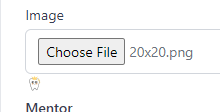
6. Select an image smaller than 200x200 pixels or bigger than 1000x1000 pixels
7. Click on the Mentor Field
Expected Result
The user should not be able to select an image smaller than 200x200 pixels or bigger than 1000x1000 pixels. A validation message with red letters should pop up under the Image field
Actual Results
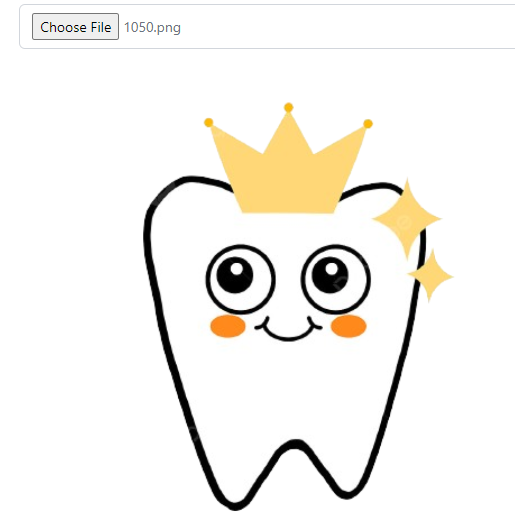
The user is able to select and upload an image smaller than 200x200 pixels and bigger than 1000x1000 pixels. A validation message does not pop up under the Image field.
Files
No data to display