Actions
Bug #2584
openLog in Forgot your password option
Start date:
06/12/2024
Due date:
% Done:
0%
Estimated time:
Description
Description
The user can not receive an email password reset link
Environment
Browser: Google Chrome Version 125.0.6422.142 (Official Build) (64-bit)
Preconditions
The user must be preregistered to https://qainterrapt.brainster.xyz/login
Steps to reproduce
1.Click on the "Forgot your password" option
2.Fill in the "Email" field with valid data
3.Click the "EMAIL PASSWORD RESET LINK" button
Expected Results
The user should receive a email password reset link
Actual Results
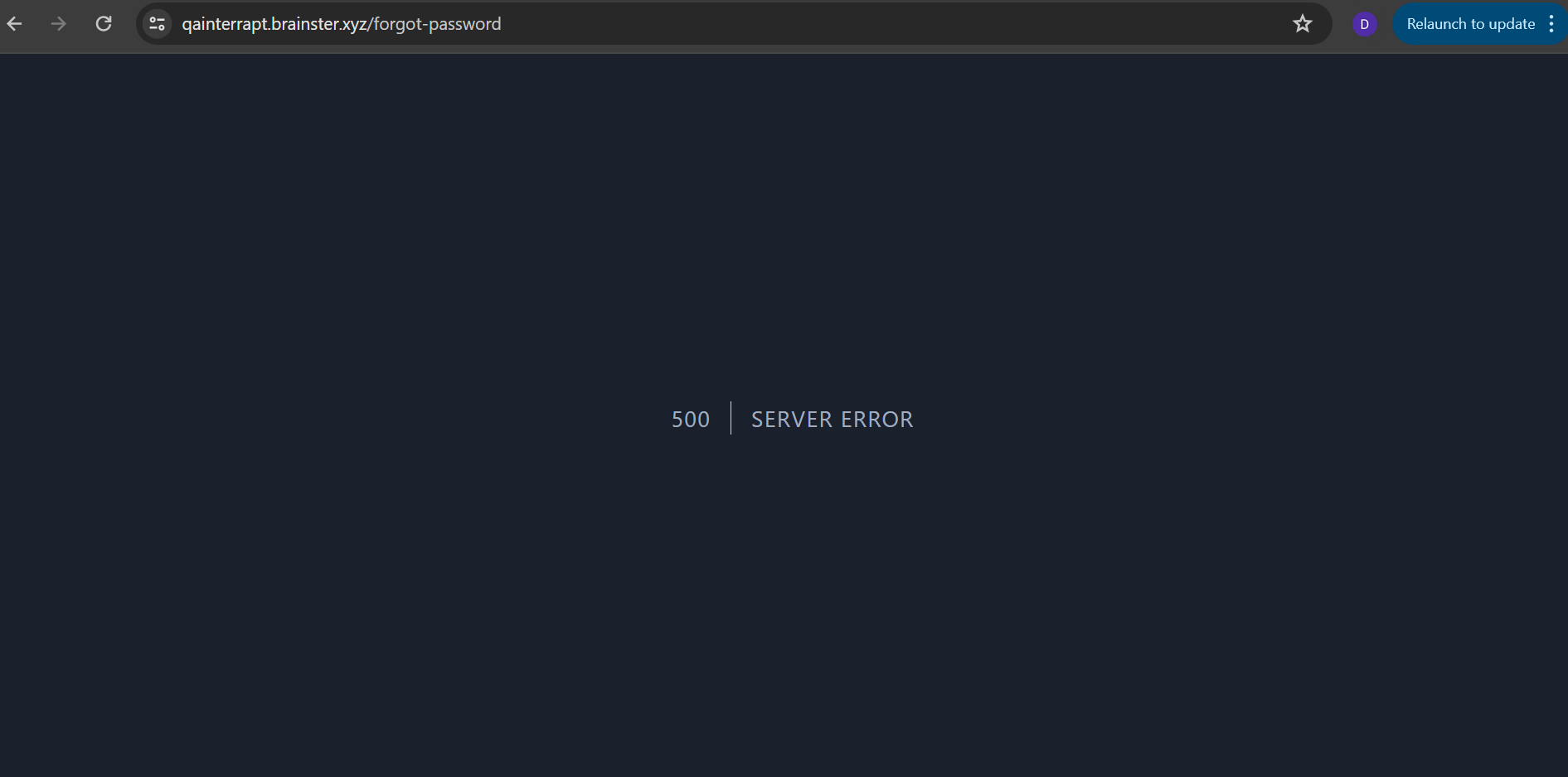
The user receives a message "500 SERVER ERROR" and the entire window has a dark blue background
Files
No data to display
Actions