Bug #2713
openWebinar image can be created with invalid image dimensions
100%
Description
When user uploads an image that has invalid dimensions (less than and more than) the given criteria, it successfully saves it and the webinar can be created.
Environment
Google Chrome Version 127.0.6533.119 (Official Build) (64-bit)
Steps to Reproduce
1. Open the Brainster Interrapt
2. Click on "Webinars"
3. Click on "Create" button
4. Fill out all input fields with invalid input
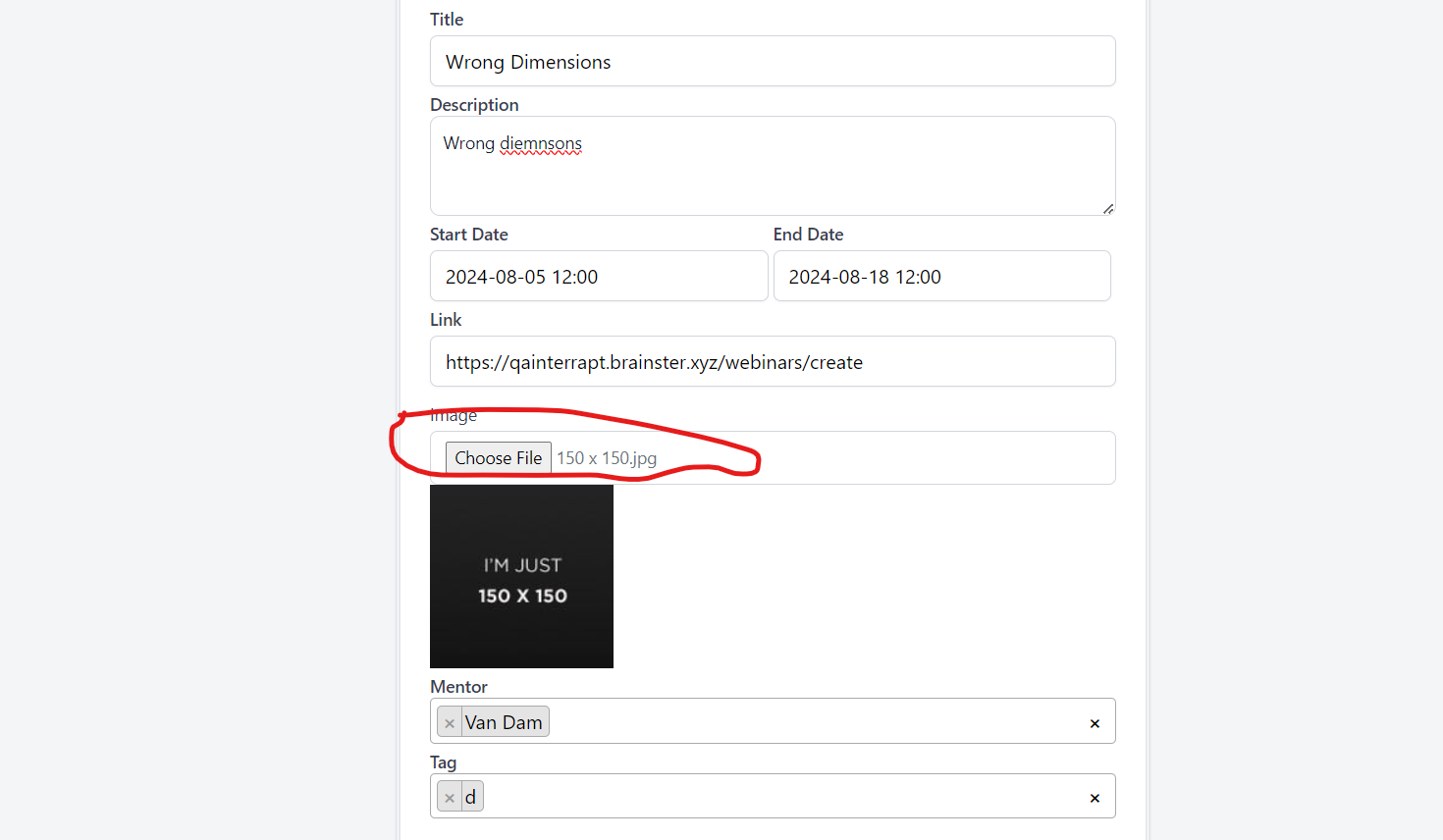
5. Click on "Choose File" from the "Image" input field
6. Select a picture
7.Click on "Create" Button
7. Observe the outcome
Expected Result
The user should not be able to create a webinar image if it does not meet the specified requirements of having dimensions between 200 x 200 pixels or 1000 x 1000 pixels
Actual Result
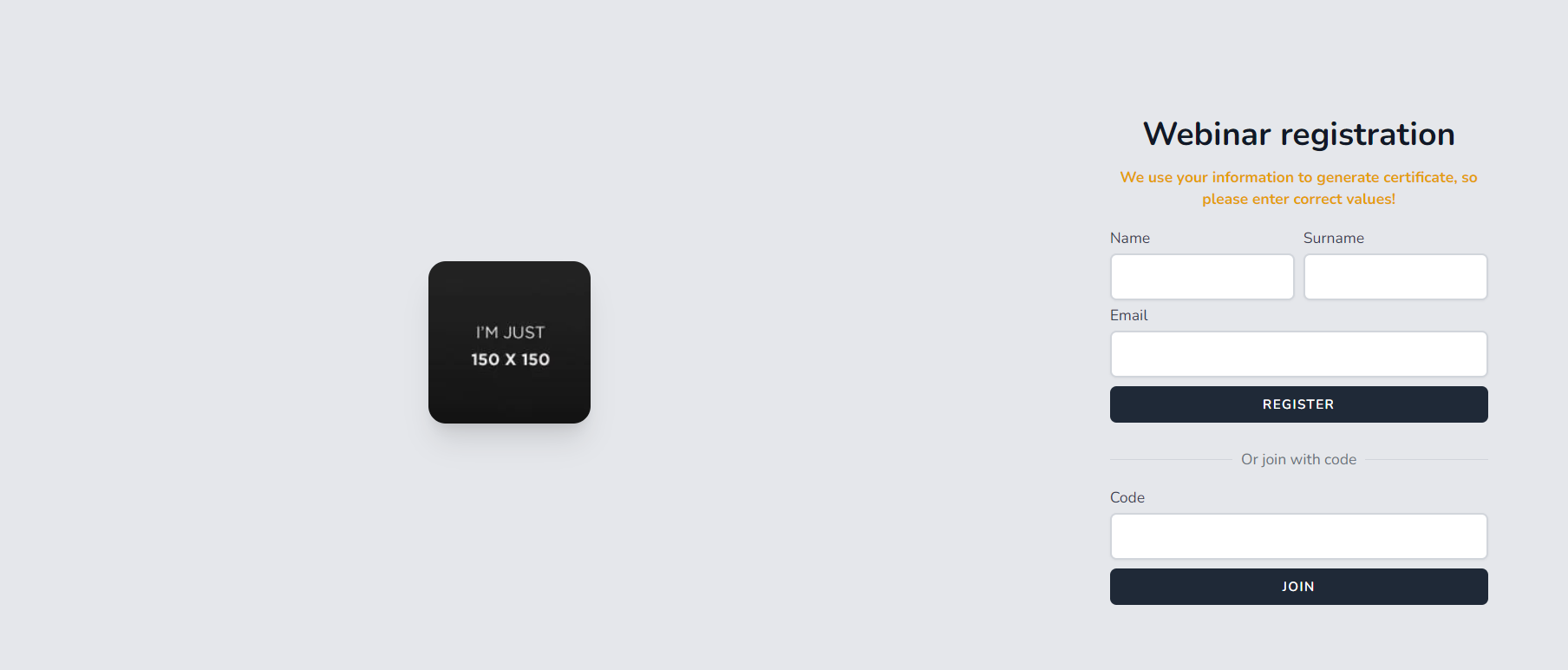
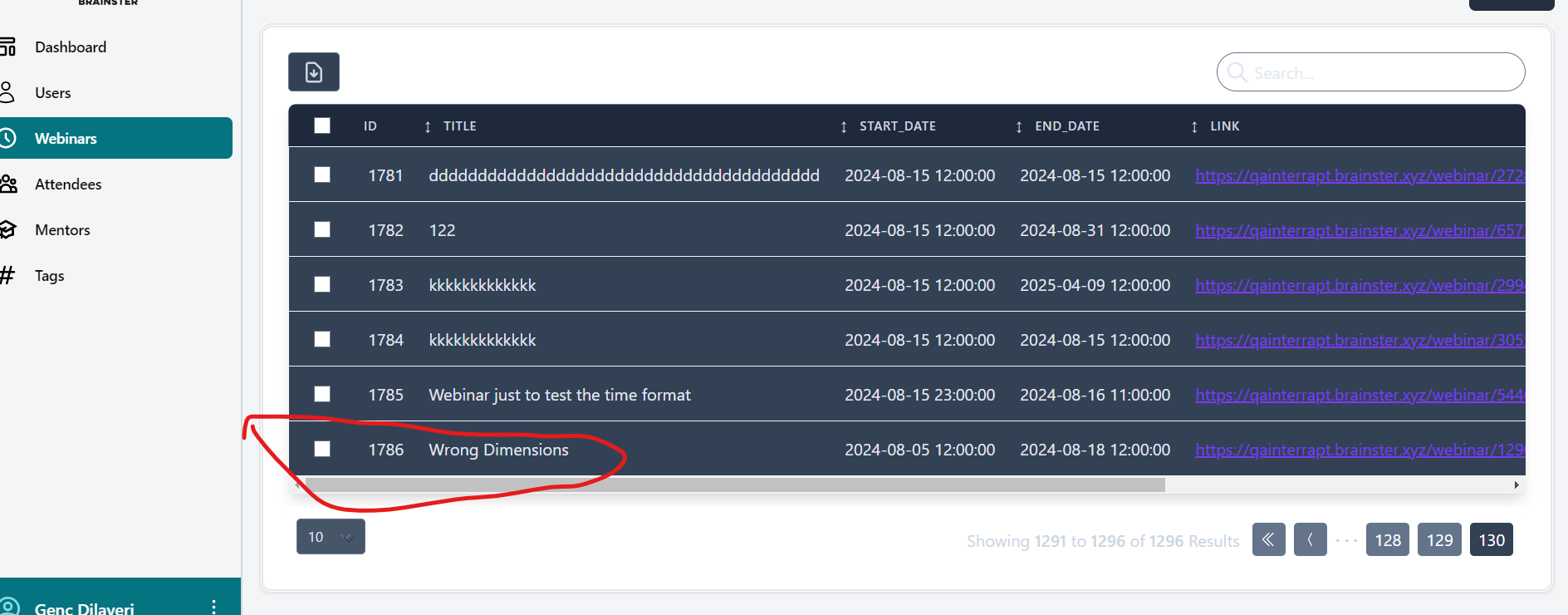
Webinar changes are created with an image of 150 x 150 pixels and an image of 1200 x 1200 pixels, even though these dimensions are outside the specified requirements. A success message is shown, and the changes are saved.
Files
No data to display