Bug #2846
open[Attendees] By entering less than 5 valid characters in the field "Phone" an account should not be created and an error message should be displayed
0%
Description
Evironment:
https://qainterrapt.brainster.xyz/attendees
Browser:
Google Chrome
Version 131.0.6778.140 (Official Build) (64-bit)
Microsoft Edge
Version 131.0.2903.99 (Official build) (64-bit)
Description:
By entering less than 5 valid characters in the field "Phone" an account should not be created and an error message should be displayed
Test Steps:
1. Login into the Interrapt page
2. Click on Attendees menu
3. Click on Create button
4. In the field "Name" enter valid characters
5. In the field "Surname" enter valid characters
6. In the field "Email" enter valid email adress
7. In the field "Phone" enter less than 5 valid characters
8. Choose webinar from the drop-down list
9. Click on Create button
Expected results:
An Attendees account should not be created and a error message should be desplayed
Actual results:
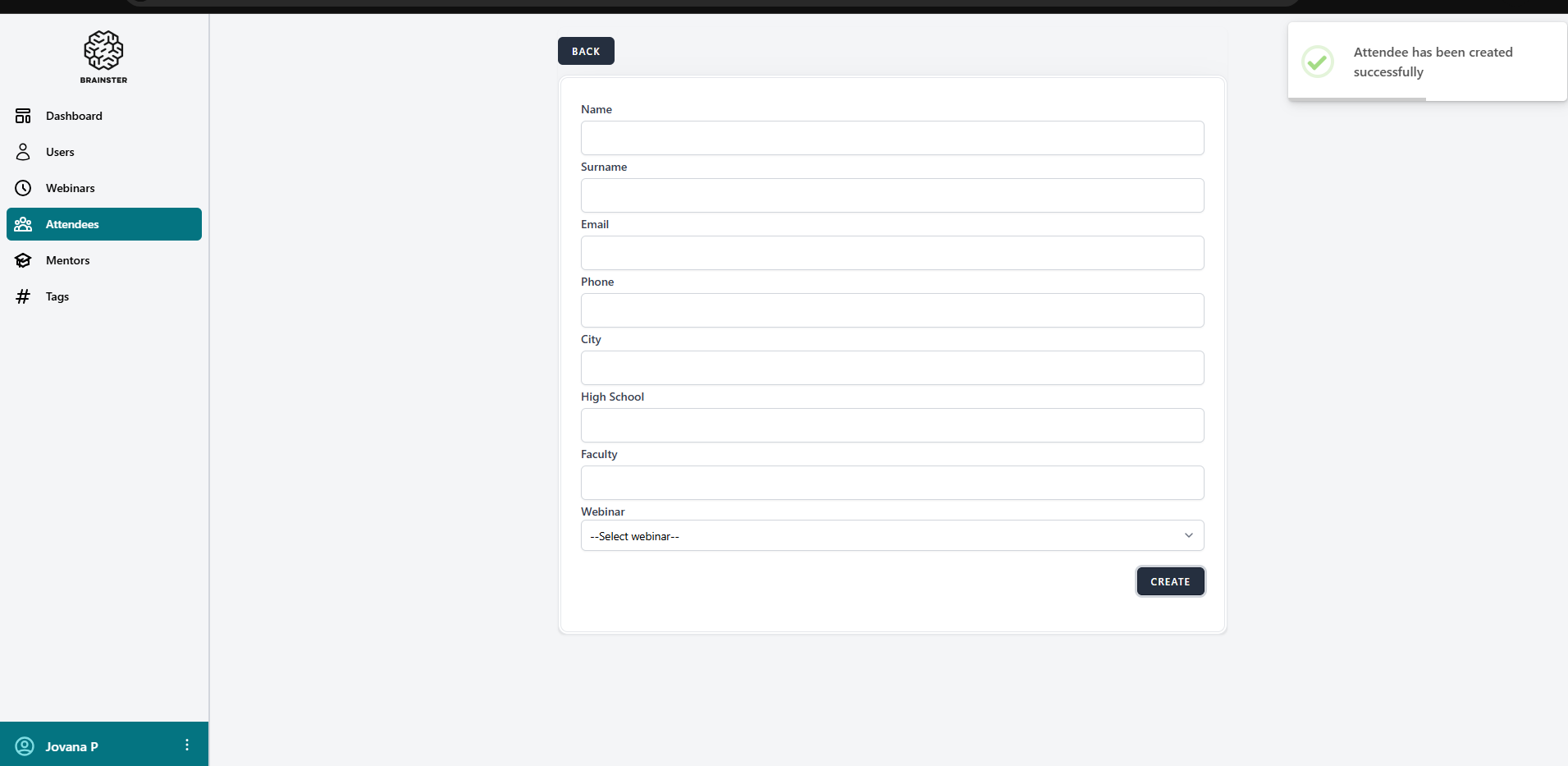
An Attendees account is created
Files
No data to display