Actions
Bug #285
openNew webinar is created successfully with invalid/past date
Start date:
05/25/2023
Due date:
% Done:
0%
Estimated time:
Description
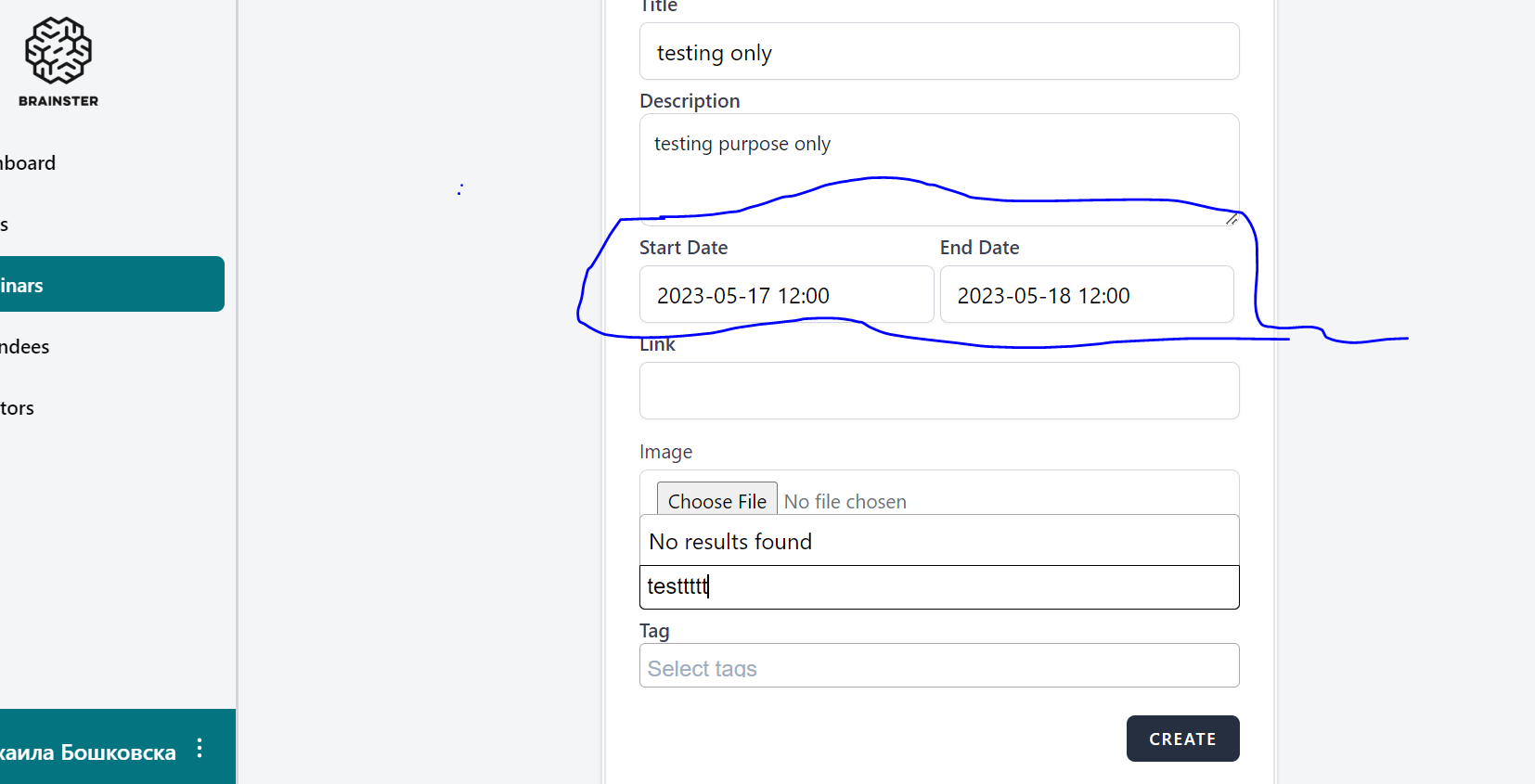
When creating a new webinar, the system is allowing the user to fill "Start date" and "And date" field with invalid/past date
Steps to reproduce
1.1.Navigate to URL https://qainterrapt.brainster.xyz/login
2.Enter valid email and password
3.Open the "Webinar" dashboard
4.Open the " Create" form
5.Enter valid values in all fields
6.Enter invalid/past date into "Start date" and "End date" field
7.Click on the "Create" button
Expected results
Creating a Webinar with invalid/past "start day" and "end day" should not be possible . Error message should be displayed.
Actual results
New Webinar is successfully created
Files
No data to display
Actions