Improvement #2881
open[System] User should be able to set background colors as their system colors (Light, Dark, Custom, System).
0%
Description
Description
The system should allow users to choose their preferred background color scheme, offering options such as Light, Dark, Custom, or System default. This function allows users to personalize their experience according to their visual preferences or system settings, ensuring a more comfortable and friendly user experience.
Environment
https://qainterrapt.brainster.xyz/login
OS: Windows 10 Home v22H2
Brave Browser
v1.73.101
Safari
iOS 18.2
- Log in to the system.
- Navigate to the "Settings" page.
- "Easy toggle option" should be shown in the "Settings" page where the user can toggle between Light, Dark, Custom or System color settings.
Expected Result
When the user makes a change in the "Settings" page, the background colors should change as selected (Light, Dark, Custom or System color settings).
Actual result
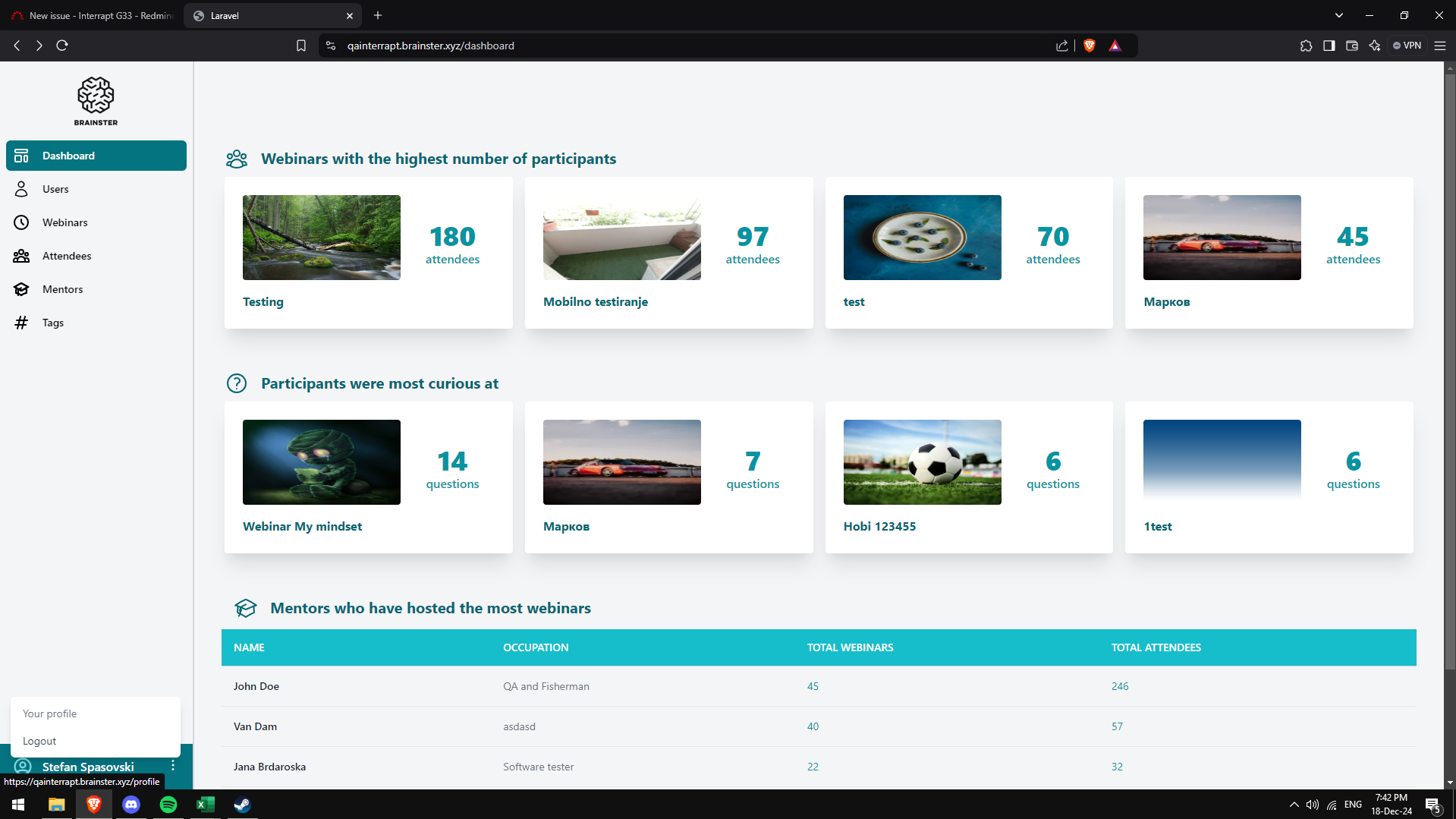
The colors are pale, some criterias are hard to be seen, leading to lack of interraction and bad user experience.
Files