Improvement #2915
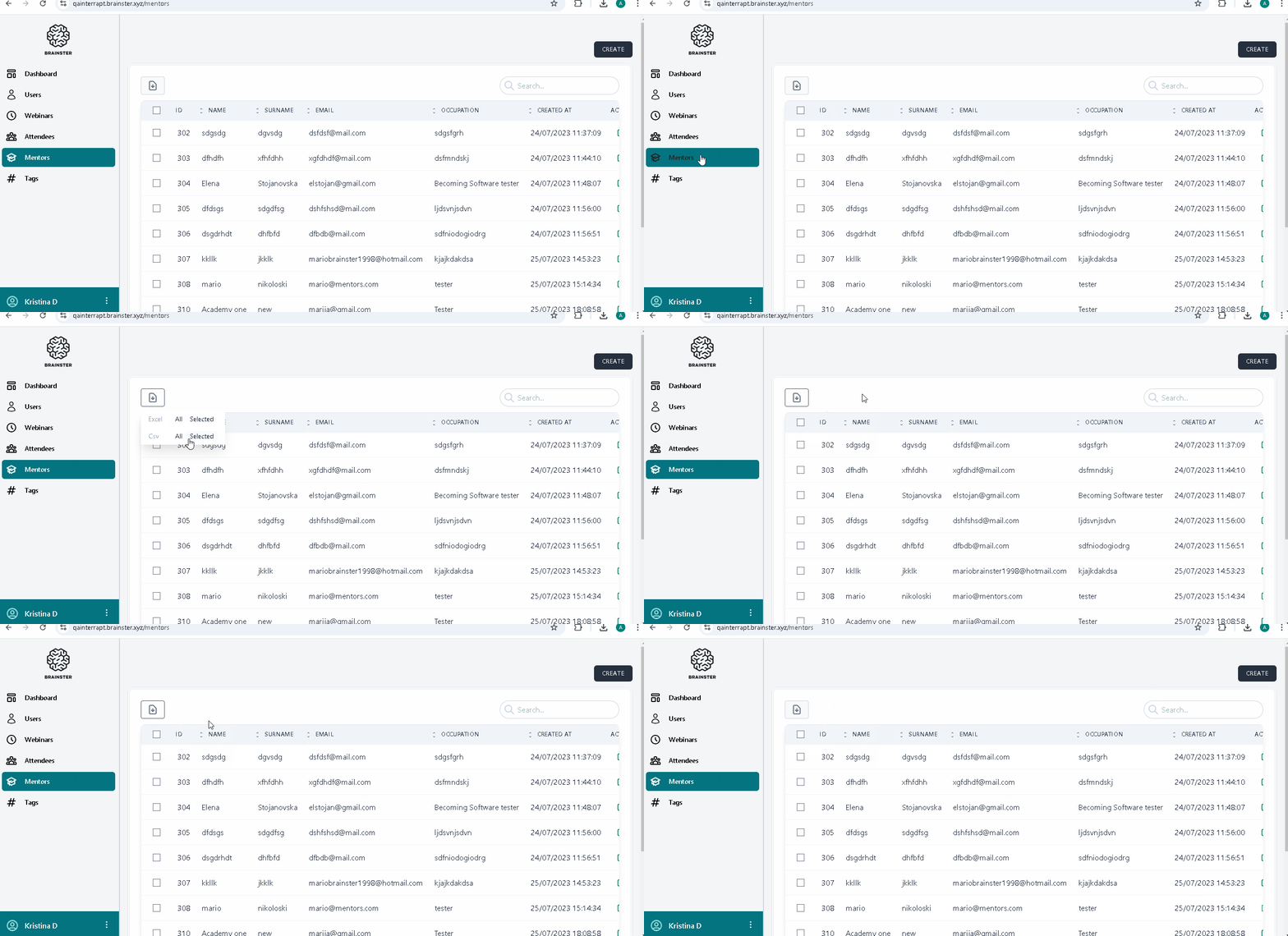
open[Mentors] New Icon: Add a new Import icon for Excel/CSV files (with an upward arrow), placed in the upper toolbar next to the existing Export icon, with a similar design.
0%
Description
Description
Environment:
"https://qainterrapt.brainster.xyz/login"
Description:
A new Import icon (with an upward arrow) will be added next to the existing Export icon in the upper toolbar. This icon will allow users to easily import Excel or CSV files.
Pre-conditions:
The user is logged in and there are existing mentor records in the system.
Steps to reproduce:
1. Click on the "Mentors" menu.
2. Click the "IMPORT" toolbar icon .
3. Choose the "CSV" option 'selected'
4. Observe the action.
Expected Result:
The selected CSV file will be successfully imported, and the mentor data will be updated with the edited information for the mentors.
Actual Result:
The Import icon in the upper toolbar is not implemented, so the option to import a CSV file is unavailable.
Files
Updated by Kristina D over 1 year ago
- Tracker changed from Bug to Improvement
- Severity deleted (
Major)