Actions
Bug #3085
open[Webinars] Webinar created without 'calendar time picker' option.
Start date:
06/11/2025
Due date:
% Done:
0%
Estimated time:
Description
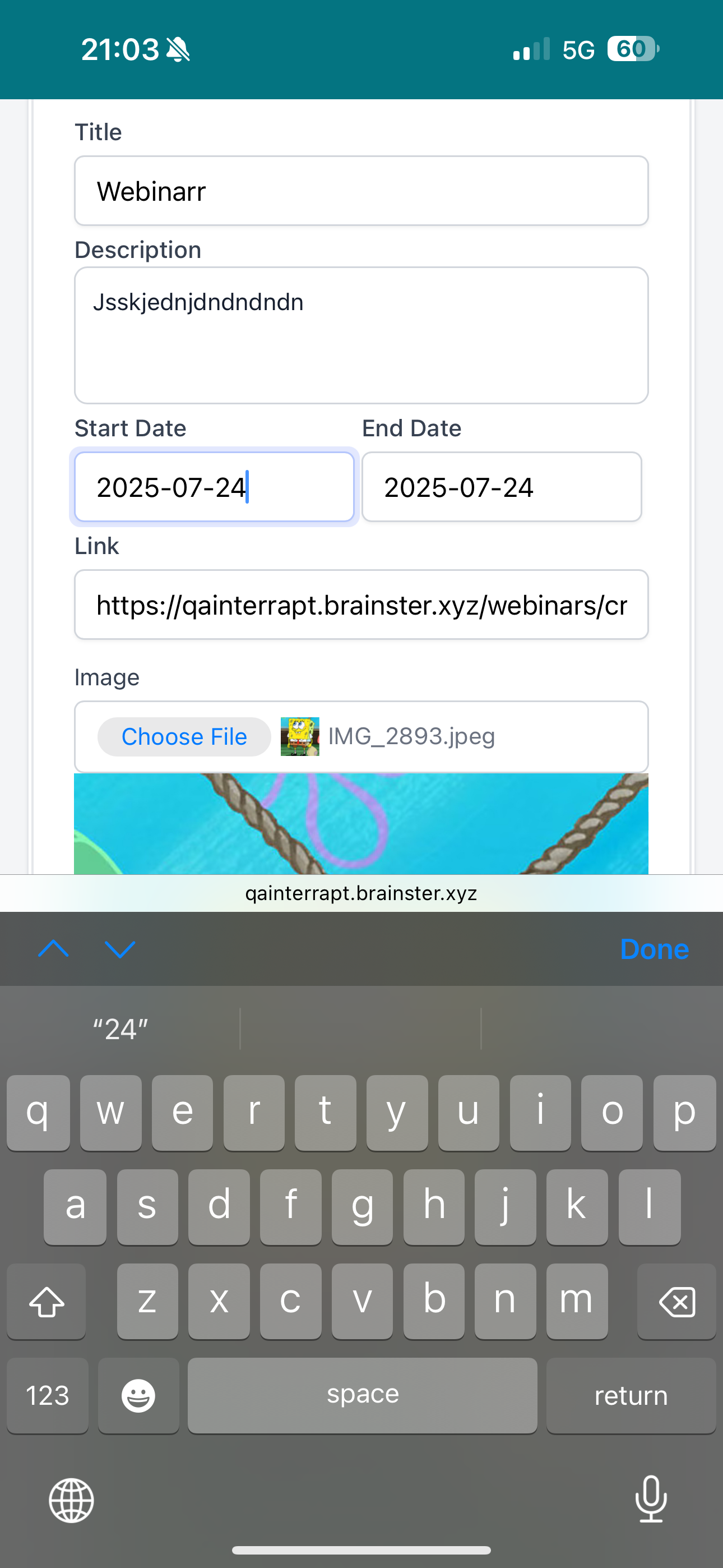
[Webinars] The user must select a specific date and time from a calendar and a time picker display, but the 'calendar time picker' option is not available. However, I was able to write the date manually.
Environment
iPhone 15 Pro Max / iOS 18.5 / Safari Version 18.4
https://qainterrapt.brainster.xyz/webinars
- Login to the system.
- Navigate to the 'Webinars' section.
- Click on the 'CREATE' button.
- Fill in all of the required fields.
- Try to click on the 'date' fields.
- Enter the dates manually because there is no 'calendar time picker' option.
- Save the mentor by clicking on the 'CREATE' button.
- Observe the created webinar in the Webinars list.
Expected result
The webinar should not have been created with manually entered date and without the 'calendar time picker' option.
Actual result
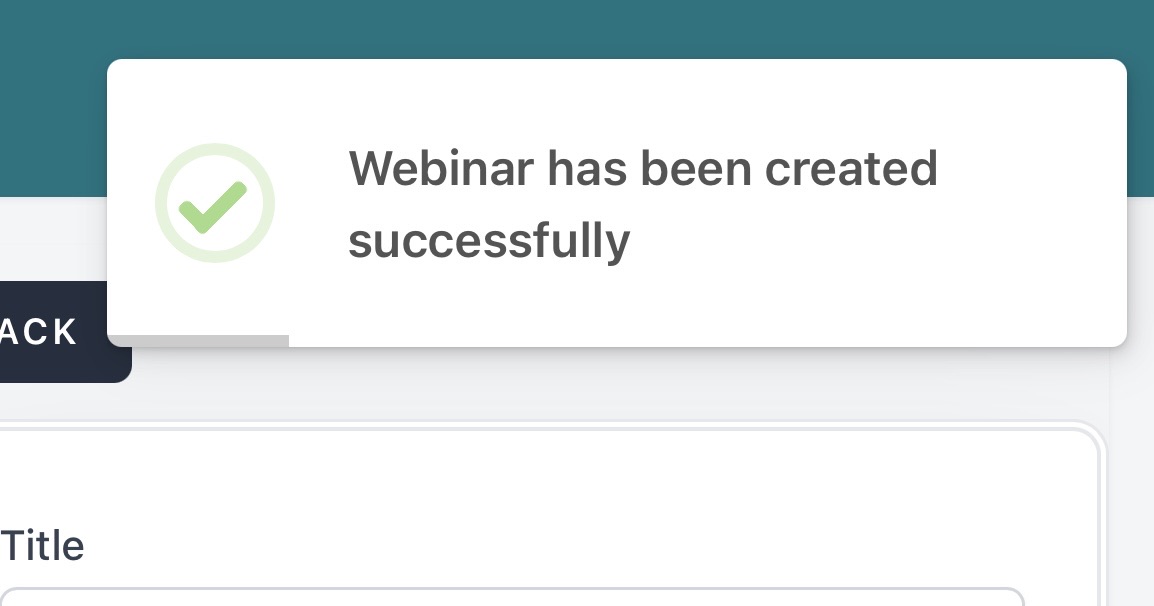
The webinar was created with manually entered date and no 'calendar time picker' option.
Files
No data to display
Actions