Actions
Bug #354
openThe start date picker in create webinar
Start date:
06/08/2023
Due date:
% Done:
0%
Estimated time:
Description
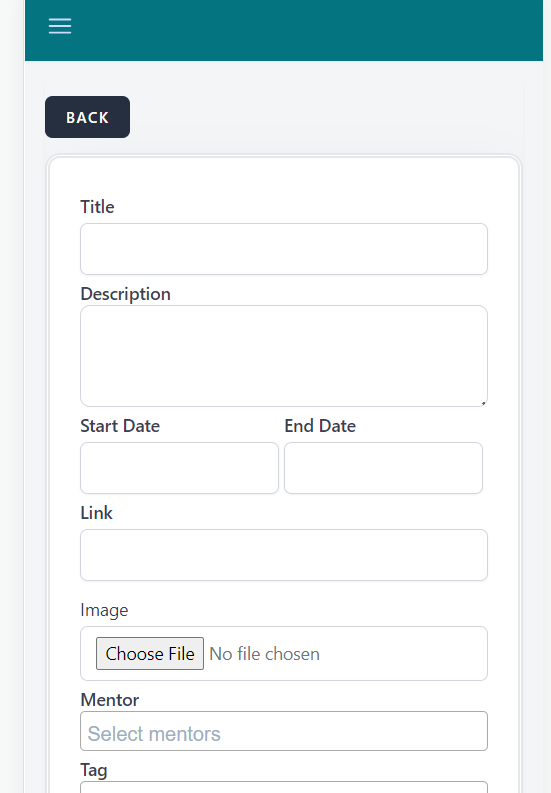
Description: When creating a webinar, the date pickers in Start-date disappear whenever a character is entered in the title field
Steps To Reproduce:
1. Navigate to the url
2. Log in with valid credentials
3. Click on the hamburger menu in the upper left corner
4. Select webinars by clicking on it
5. In the upper left corner click on the CREATE button
6. Click on the title field
Expected Result
The start date should contain a date picker
Actual Result
The start date does not contain a date picker
Enviorenment Safari IPhone IOS 13.2
Files
No data to display
Actions