Actions
Bug #360
openUser is not able to export selected files in Csv format
Start date:
06/08/2023
Due date:
% Done:
0%
Estimated time:
Description
Description
Steps to Reproduce :
Device:
Pixel 5 Android 11 Chrome 92
Mozilla Firefox Version 114.0 (64-bit)
1.Navigate to https://qainterrapt.brainster.xyz/
2.Login with valid credential
3.Navigate to Attendees on the left menu side
2.Check few records on the list
3.Click on Dowload button
4.In Excel format click on Selected
Expected Results
User is should be able to export selected files in Csv format
Actual Results
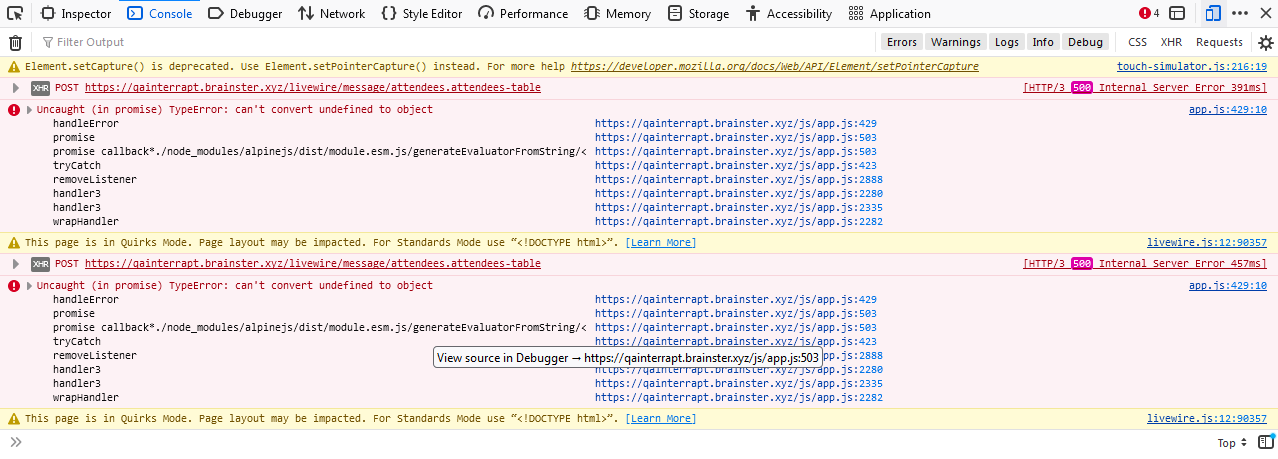
User is not able to export selected files in Csv format, have a pop up message 500 | SERVER ERROR
Files
Actions