Actions
Bug #374
openUnable to export question from the webinars
Start date:
06/08/2023
Due date:
% Done:
0%
Estimated time:
Description
Description:
Steps To Reproduce:
1. Navigate to the url
2. Log in with valid credentials
3. Click on the hamburger menu in the upper left corner
4. Select webinars by clicking on it
5. Click on the View Questions text
6. Select one or several questions
7. Click on the export question button
8. Select the desired format
Expected Result
The user should be able to export the selected questions in the chosen file format
Actual Result
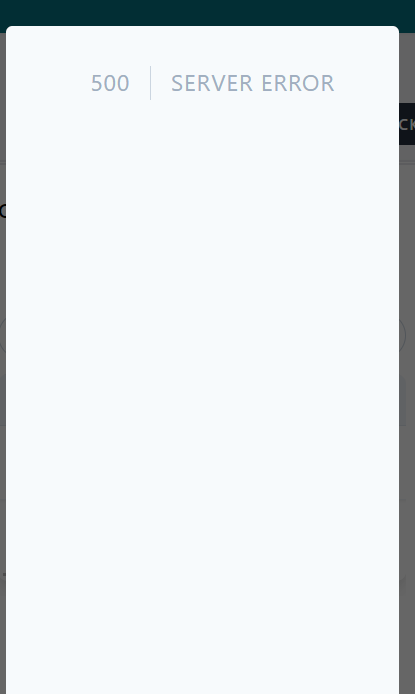
The user can not export the selected questions and an error message is displayed
Environment Safari iPhone IOS 13.2
Files
No data to display
Actions