Actions
Bug #486
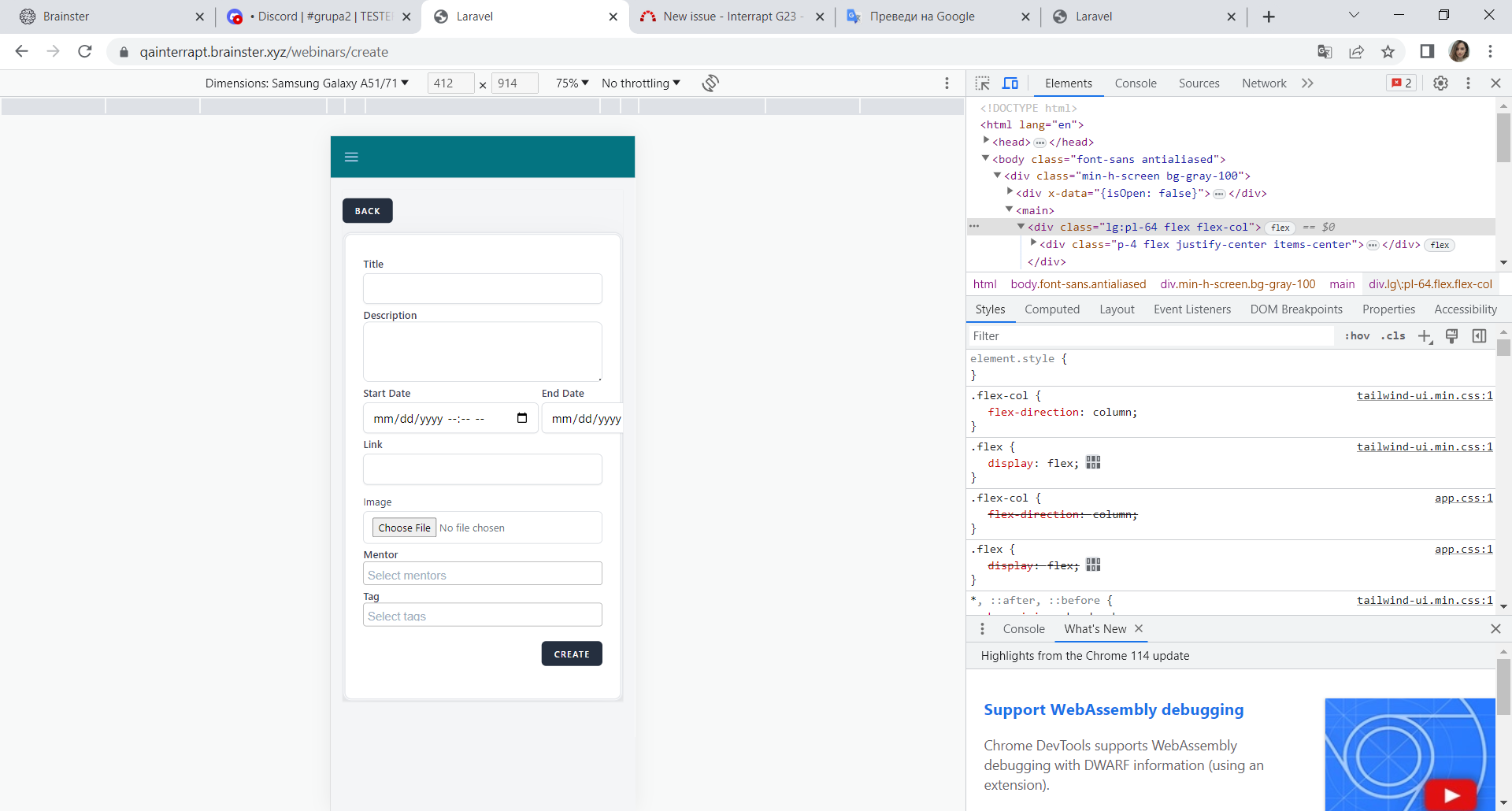
openThe date picker component in create webinars is not in the right form YYYY-MM-DD
Status:
New
Priority:
Medium
Assignee:
-
Start date:
06/11/2023
Due date:
% Done:
0%
Estimated time:
Description
description
The user can not choose the start date in the create webinars menu in the right form YYYY-MM-DD, because it is MM-DD-YYYY wrong form.
steps to reproduce
1. Navigate to the https://qainterrapt.brainster.xyz
2. Login with valid credentials
3. Open the webinars menu
4. Click on the Create button
5. Input the Description
6. Click on the date picker
Expected Result
The date picker should be open in YYYY-MM-DD form.
Actual Result
The date picker is in MM-DD-YYYY form.
Files
No data to display
Actions