Actions
Bug #543
open(Webinars) The User can upload an image that does not meet the required size of picture
Start date:
06/12/2023
Due date:
% Done:
0%
Estimated time:
0:30 h
Description
Environment : https://qainterrapt.brainster.xyz / Browser: Google Chrome
Preconditions :
1. The user must be logged in.
2. The user must navigate to the webinars section.
3. User has navigated to the Image Field
Steps to Reproduce :
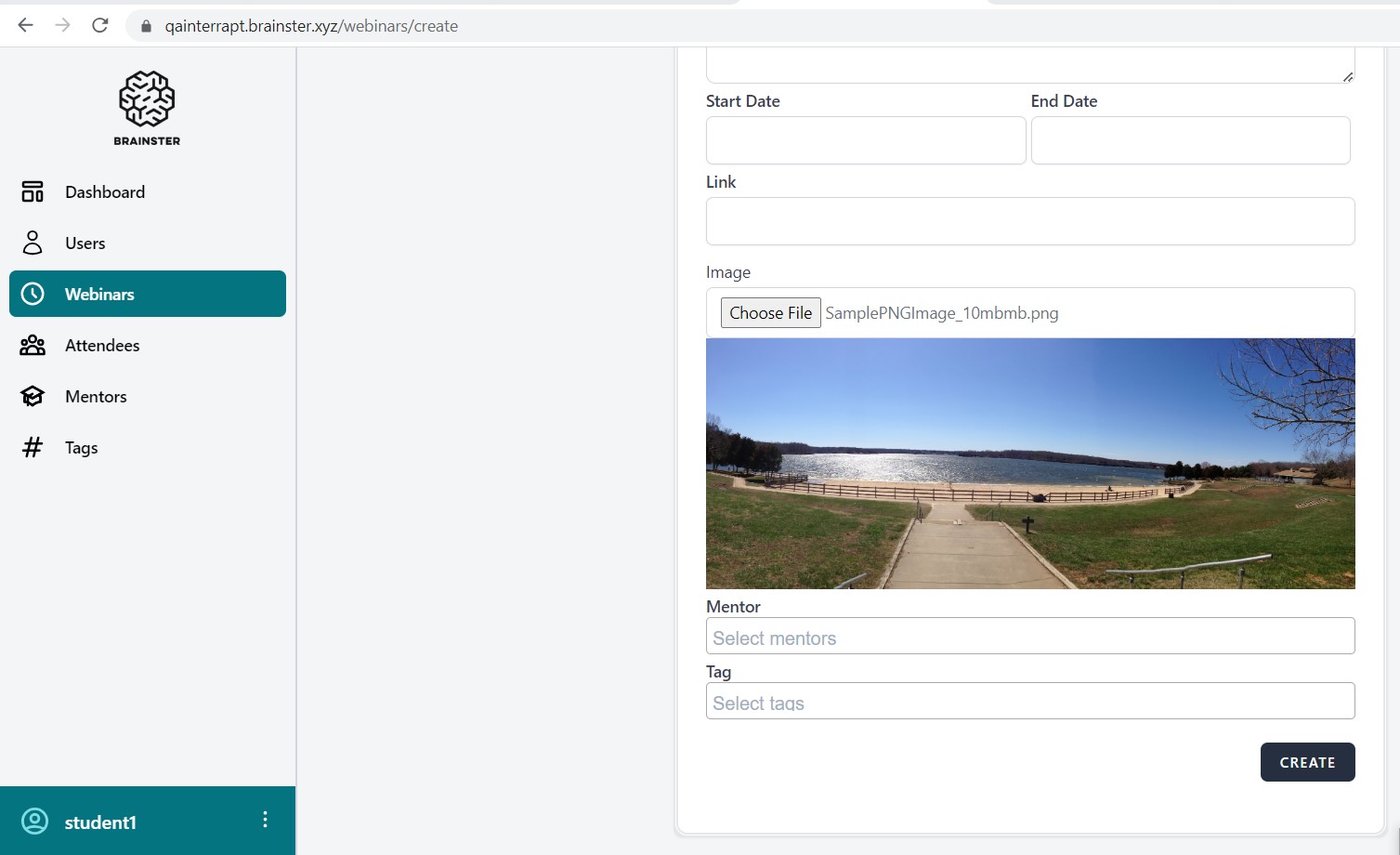
1.Click on the "Choose file" button.
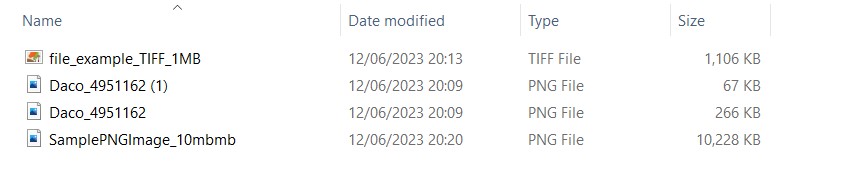
2. Navigate to the folder where the pictures are stored in the local file explorer.
3. Select an image file in PNG format, with size of 10 mb and image dimensions as 200 x 200 pixels and 1000 x 1000 pixels
4. Click Upload / Open.
5. Wait for the upload to complete.
Expected Result : The system should show error with uploading.
Actual Result : The system is uploading the picture that does not meet the required size of picture
Files
Actions