Actions
Bug #1087
openName of user accepts japanese characters
Start date:
09/14/2023
Due date:
% Done:
0%
Estimated time:
Description
Steps to reproduce:
1. Go to https://qainterrapt.brainster.xyz
2. Log in with valid credentials
3. Go to the users page
4. Click on the green "Edit" button for some user on the list
5. In the "Name" text field, write in japanese "エバーサー"
6. Click on the Edit button
Expected results:
If the name of the user is edited in language other than Latin and/or Cyrilic, an error message in red should appear saying the name field is required
Actual results:
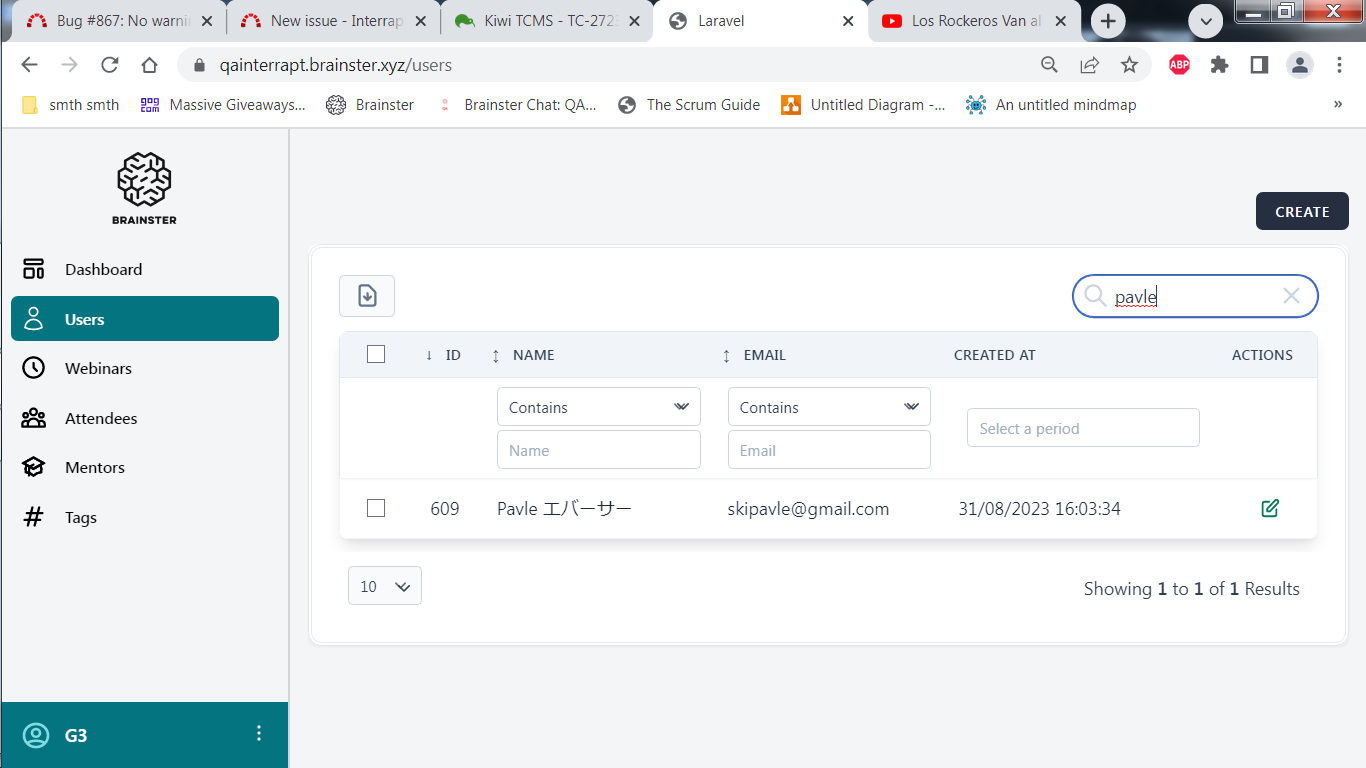
After editing the name of the user in japanese language, the changes to the user's name are accepted and no error message appears warning the criteria are not met.
Browser Platform and version:
Windows 7 Ultimate
Google Chrome v109.0.5414.120
Files
Actions