Actions
Bug #2058
openAttendee is created with less than 3 characters in city field
Start date:
01/26/2024
Due date:
% Done:
0%
Estimated time:
Description
Description
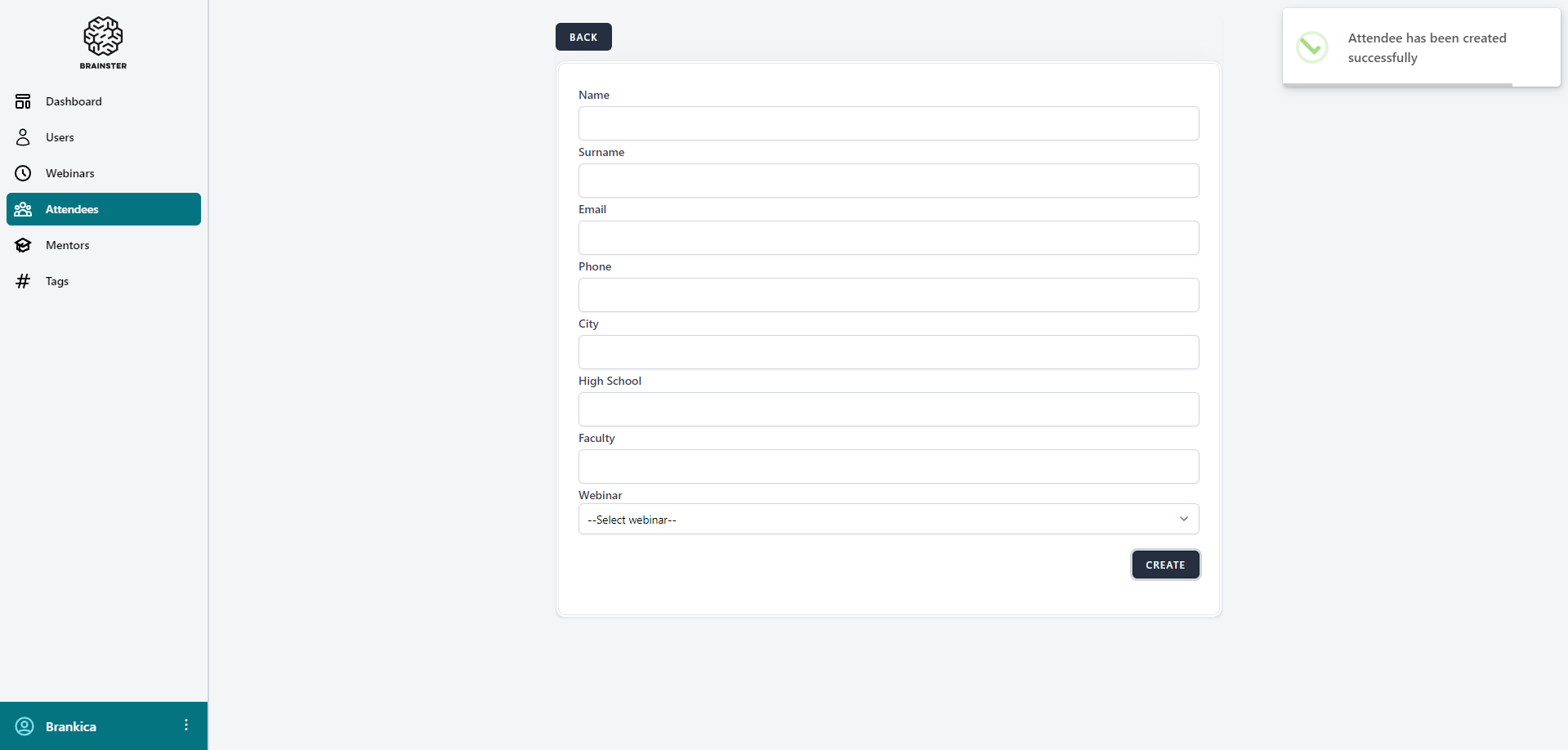
User can create attendee with less than 3 characters in city field
Steps to reproduce:
1. Navigate to Attendees
2. Click on create button
3. Fill all mandatory fields
4. Fill the city field with less than 3 characters
5. Click on create button
Expected result:
Attendee should not be created and error message should be visible under the city field.
Actual result:
Attendee is successfully created.
Files
Actions