Actions
Bug #2206
openTag is created with characters that are not in Latin or Cyrillic
Start date:
01/26/2024
Due date:
% Done:
0%
Estimated time:
Description
User is able to crate a tag with characters that are not in Latin or Cyrillic
Steps to reproduce
1. Login to Interrupt web page
2. Navigate to Tags menu
3. Click on crate button
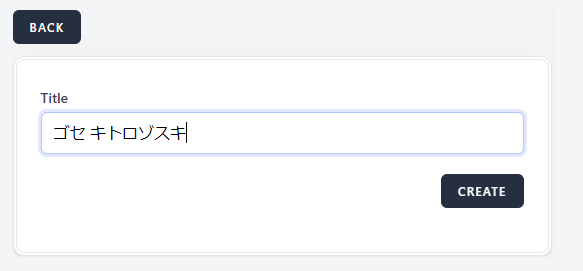
4. Enter the folowing characters ゴセ キトロゾスキ - Japanese
5. Click on crate button
Expectet results:
Tag shoud not be crated and message should be shown that the title field is required in red letters
Actual results
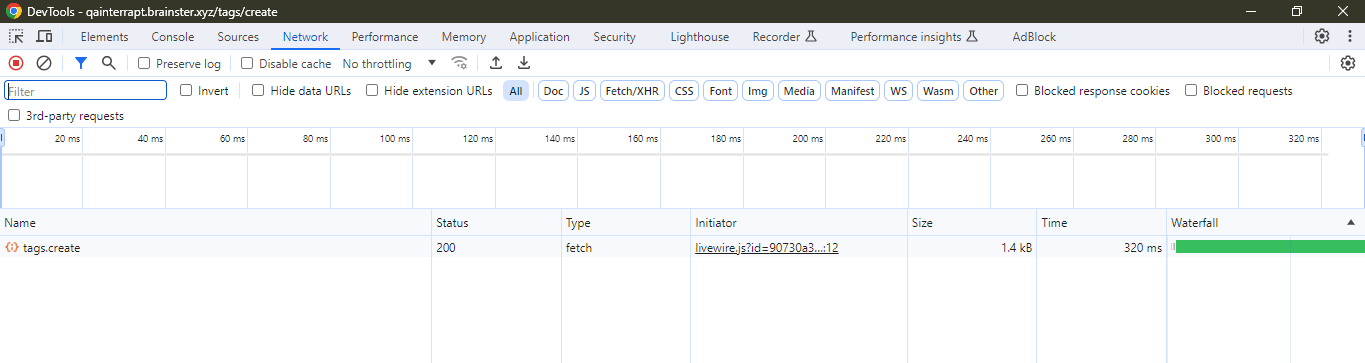
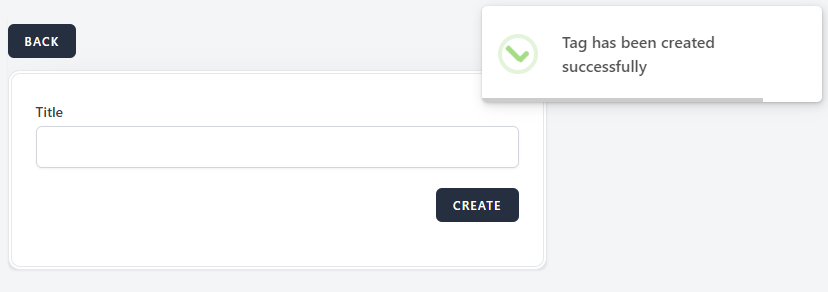
Tag is crated
Platform:
Windows 10
Google Chrome Version 120.0.6099.217 (Official Build) (64-bit)
Files
| Screenshot_11.png (32.5 KB) Screenshot_11.png | |||
| Screenshot_10.png (11.9 KB) Screenshot_10.png | |||
| Screenshot_9.png (6.01 KB) Screenshot_9.png |
Actions