Actions
Bug #2434
openPagination filter not working
Start date:
06/10/2024
Due date:
% Done:
0%
Estimated time:
1:00 h
Description
Description
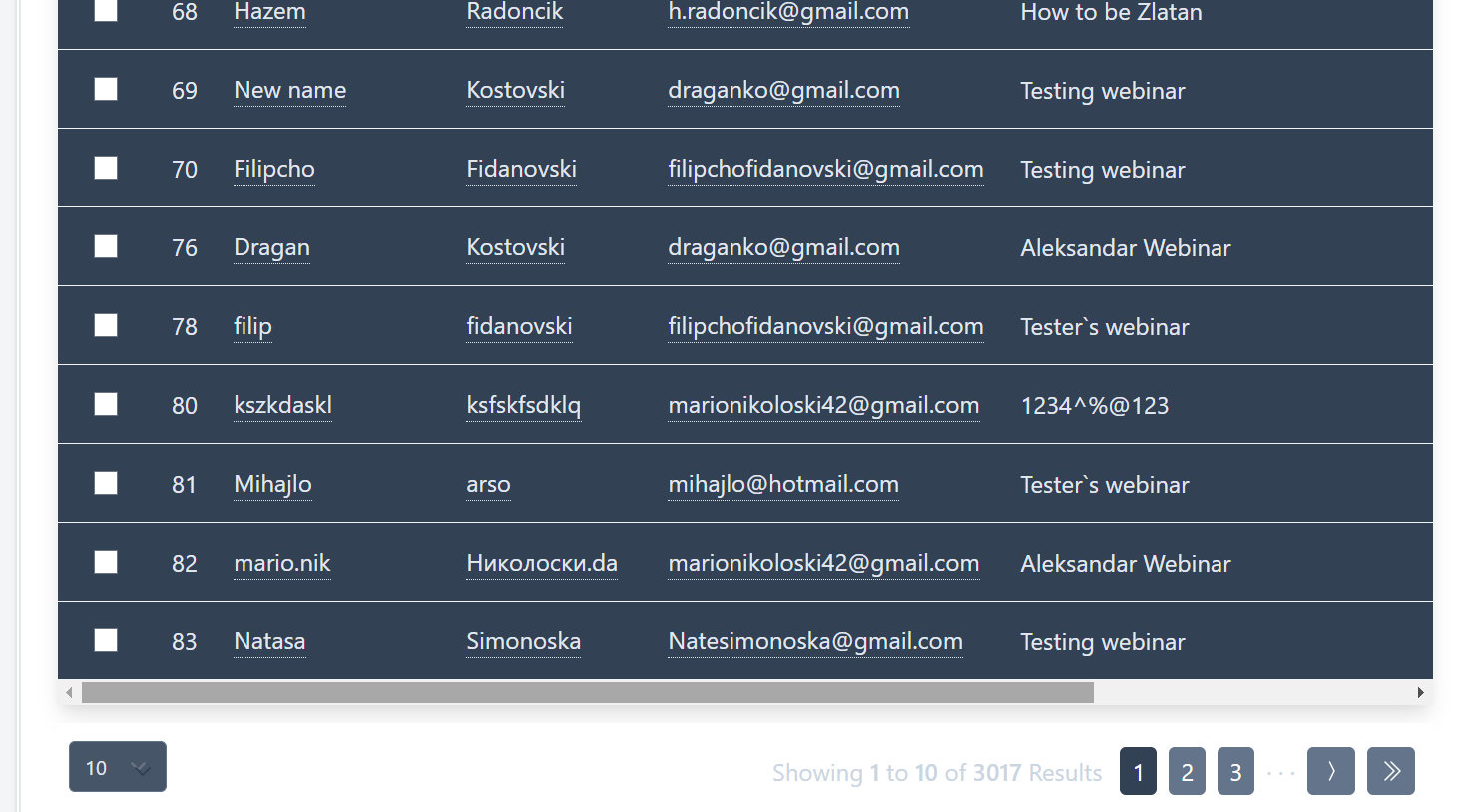
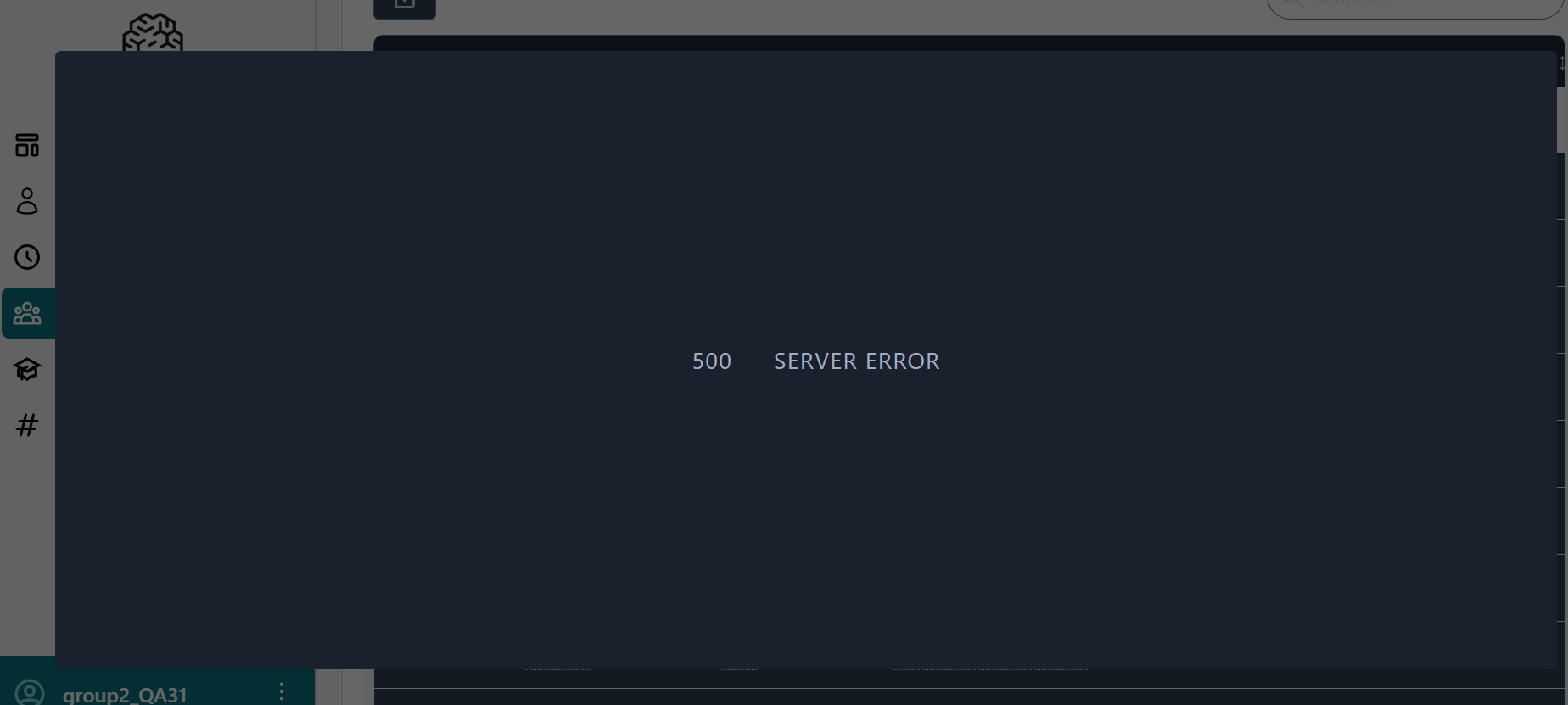
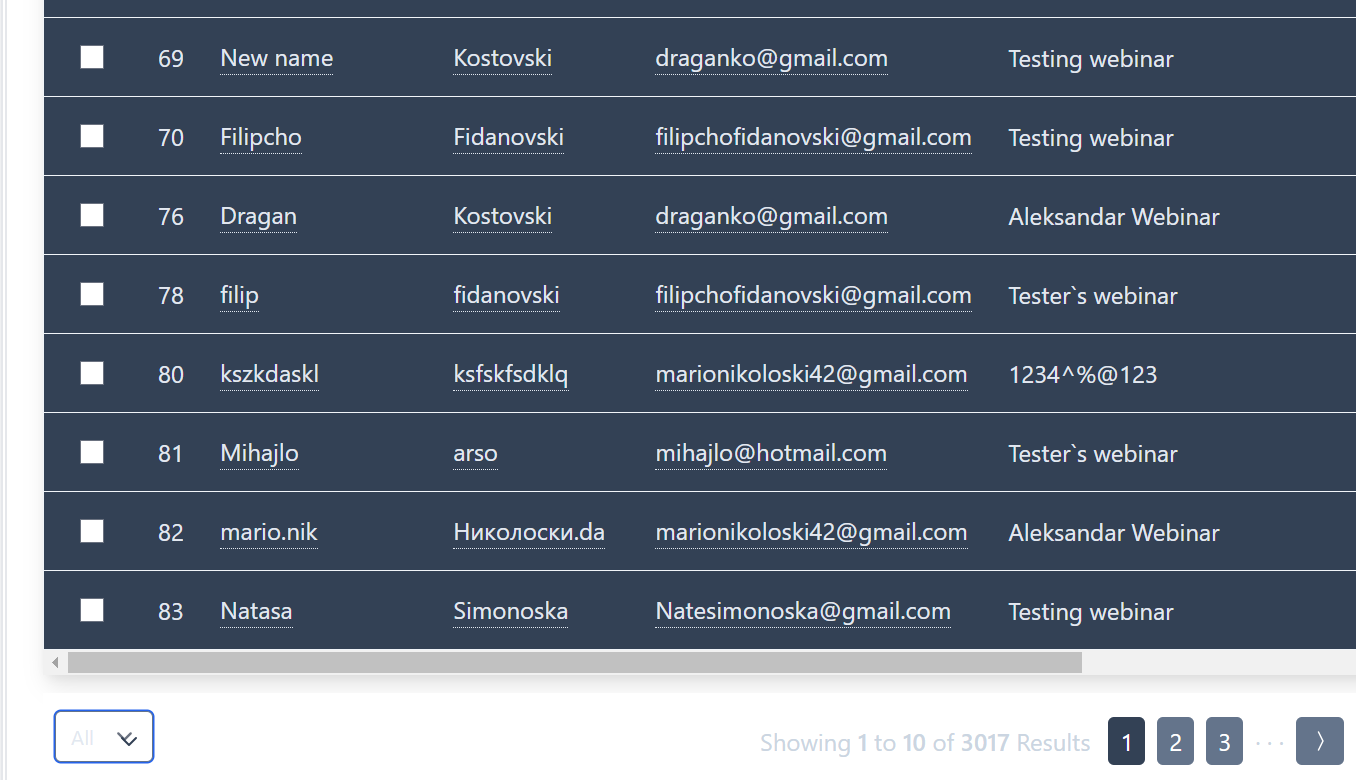
When attempting to select all attendees in the pagination filter the users experience an issue where they get an Error screen and cannot view all attendees at once.
environment
Google Chrome Version 125.0.6422.142 (Official Build) (64-bit)
OS:Windows 11
URL:https://qainterrapt.brainster.xyz
steps to reproduce
1.Navigate to https://qainterrapt.brainster.xyz/login
2.Log in with valid credentials.
3.Open the attendees page from the navigation menu.
4.Select 'All' in the pagination filter at the bottom left side of the attendees list.
Expected result
The user should be able to list all the attendees at once.
Actual result
The user gets an error screen and is unable to list all attendees.
Files
Actions