Actions
Bug #2459
open[Attendees] The user cannot download a webinar.
Start date:
06/10/2024
Due date:
% Done:
0%
Estimated time:
Description
Description
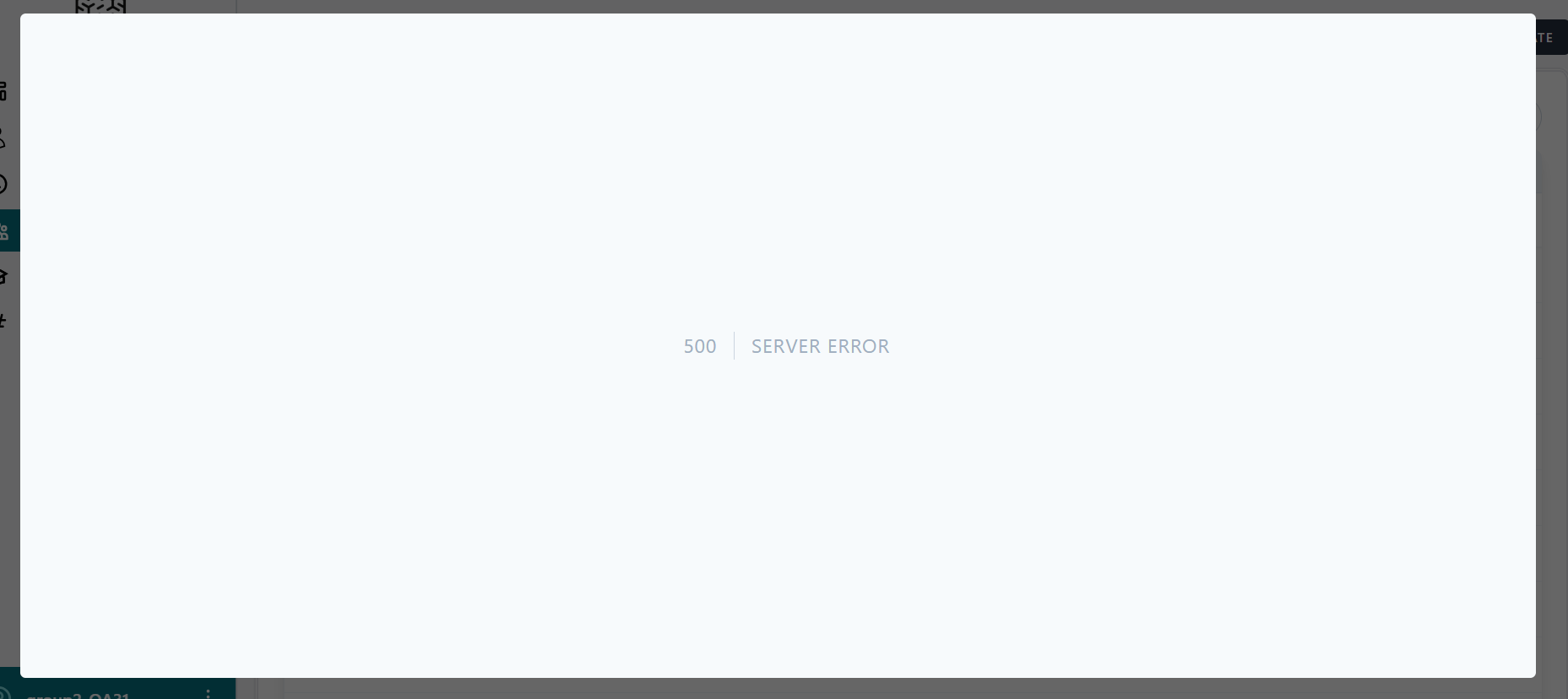
When attempting to download a Webinar the server responds with a status 500( Internal server error).
Environment
Browser: Google Chrome Version 125.0.6422.142 (Official Build) (64-bit)
OS: Windows 11
URL:https://qainterrapt.brainster.xyz
Pre-conditions
Must be Navigate to https://qainterrapt.brainster.xyz/login.
Must be Logged in.
Steps to reproduce
1.Click on the Attendees from navigation menu.
2. Select a webinar with clicking on checkbox.
3. Click on the download button.
4. Choose 'Selected' from the drop down menu.
Expected Results
The selected Webinar should be downloaded.
Actual Result
Server responds with a status of 500 (Internal server error)
Files
Actions