Bug #2460
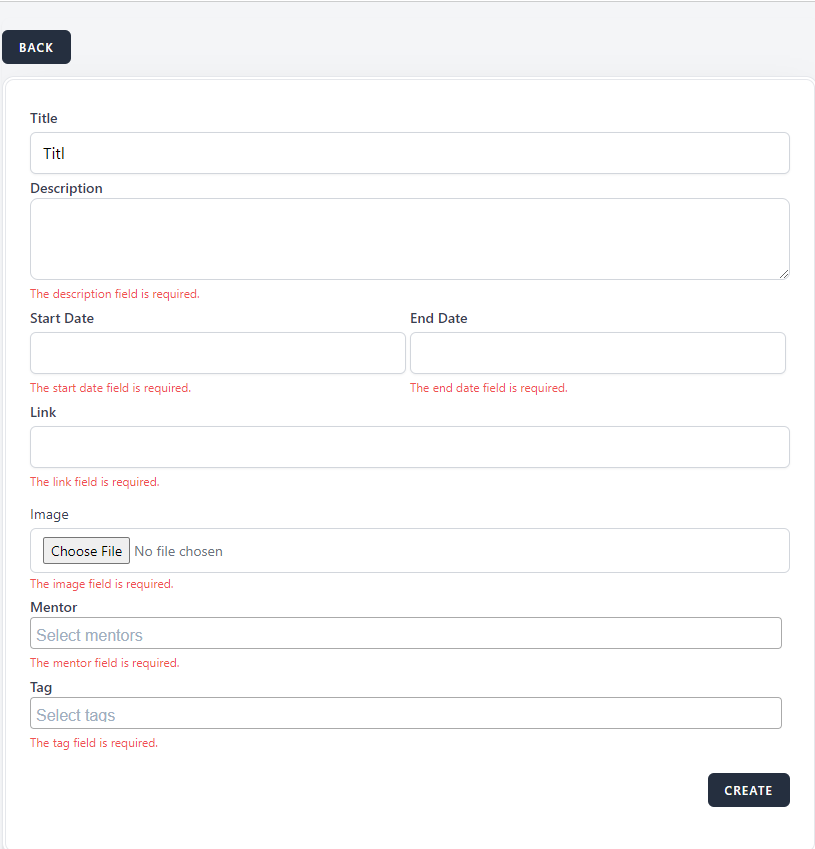
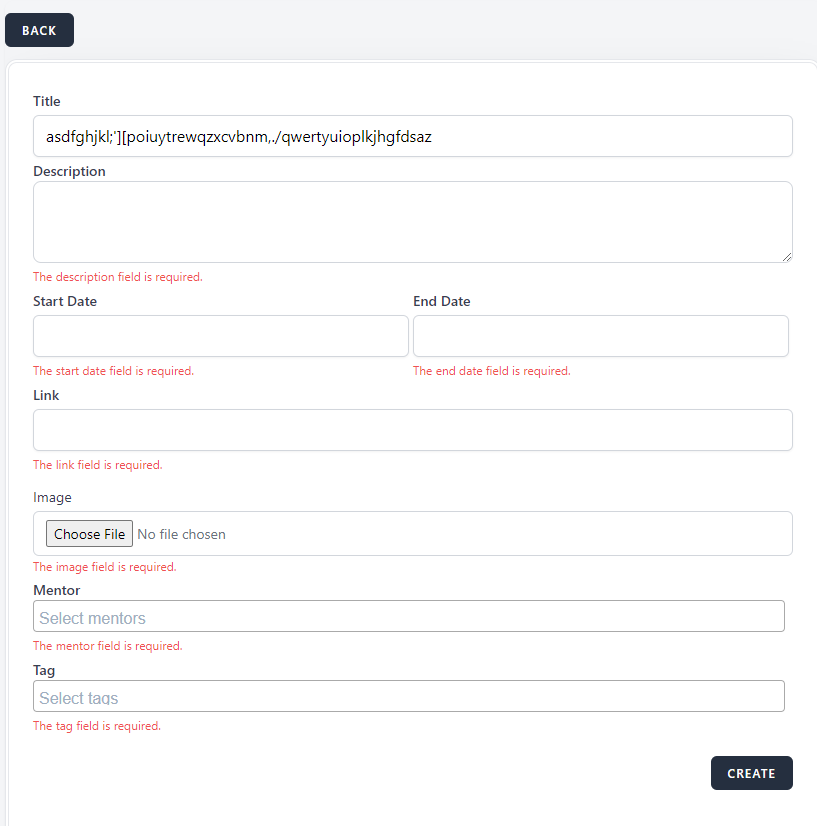
open[Webinars page]“Title” field from Webinars page should be minimum 5 characters and the maximum length is 50 characters.
0%
Description
Description
“Title” field from Webinars page should be minimum 5 characters and the maximum length is 50 characters.
Environment
Google Chrome Version 125.0.6422.142 (Official Build) (64-bit)
https://qainterrapt.brainster.xyz/
Windows 10
Steps to Reproduce
1. Navigate to https://qainterrapt.brainster.xyz/
2. Navigate to the login page
3. Navigate to the "Webinars" page from admin dashboard
4. Click on the "Create Button"
5. Click on the "Title" field.
6. Enter a "Title" field with less than 5 characters.
7. Enter a "Title" field with more than 50 characters
Expected results
Error message should be displayed that the "Title" field length minimum is 5 characters and maximum length is 50 characters.
Actual results
Error message is not displayed by the system.
Files
Updated by Olgica Chupcheva almost 2 years ago
- Subject changed from Minimum and maximum length for "Title" field from Webinars page to [Webinars page]“Title” field from Webinars page should be minimum 5 characters and the maximum length is 50 characters.