Bug #2469
open[Attendees] Pagination filter does not display all Attendees
0%
Description
Environment:
IPhone 13 Pro Max
Safari iOS Version 17.4.1
https://qainterrapt.brainster.xyz/attendees
Page zoom: 100%
Description:
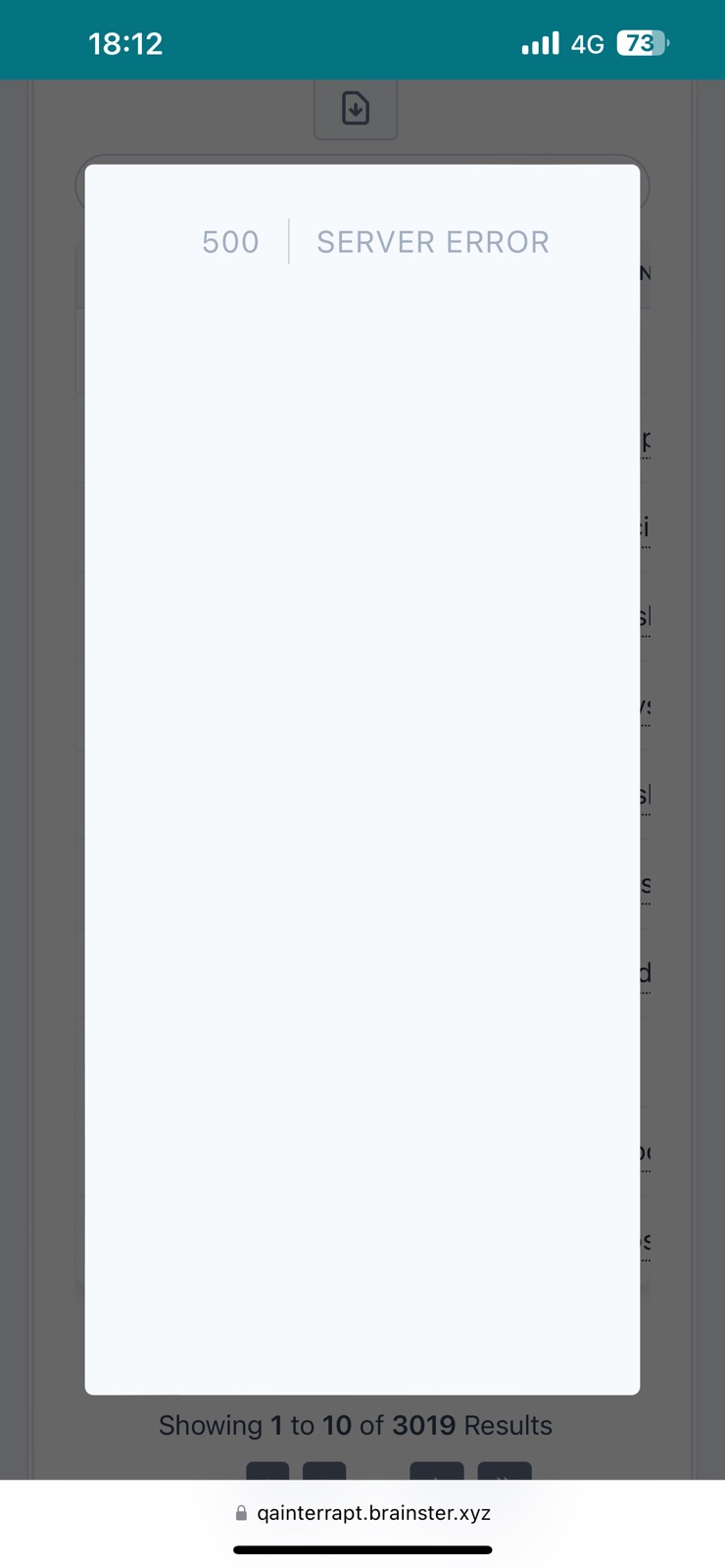
When we attempt to search all selected Attendees and select 'All' from pagination filter does not display any attendees it displayed error message.
Steps to reproduce:
1.Navigate to URL: https://qainterrapt.brainster.xyz
2. Navigate to Log in page
3. User should be successfully logged in.
4. Click on the 'Attendees' from 'Hamburger' menu.
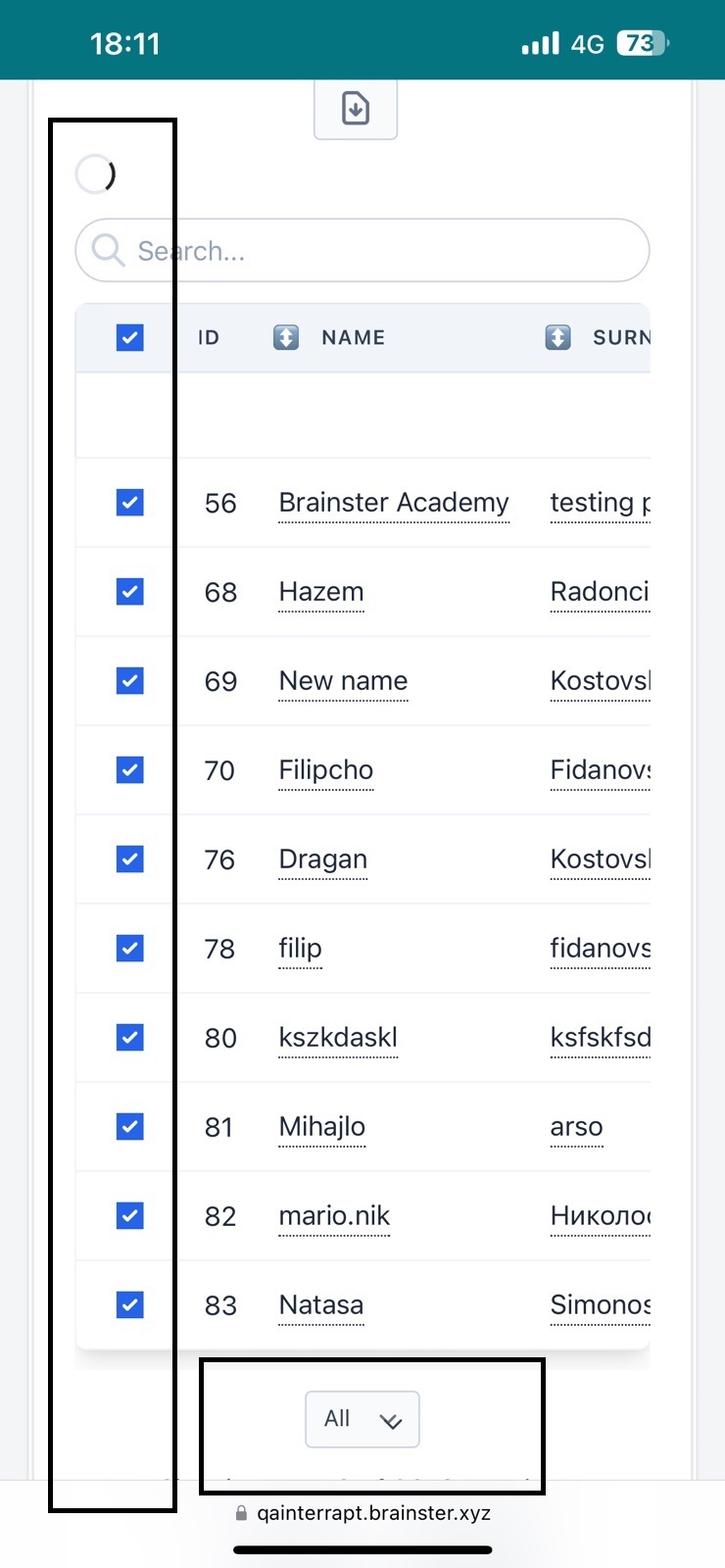
5. Select all attendees from check box button.
6. Click on pagination filter.
7. Click on 'All' from pagination filter.
Expected result:
All selected attendees should be displayed when we click on 'All' from pagination filter.
Actual result:
When we click on 'All' from pagination filter and than selected all attendees it displayed error message: 500 SERVER ERROR.
Files
Updated by Pance Zdravev about 2 years ago
- Subject changed from Pagination filter does not display all Attendees to [Attendees] Pagination filter does not display all Attendees