Improvement #2580
openForgot password option
0%
Description
Description
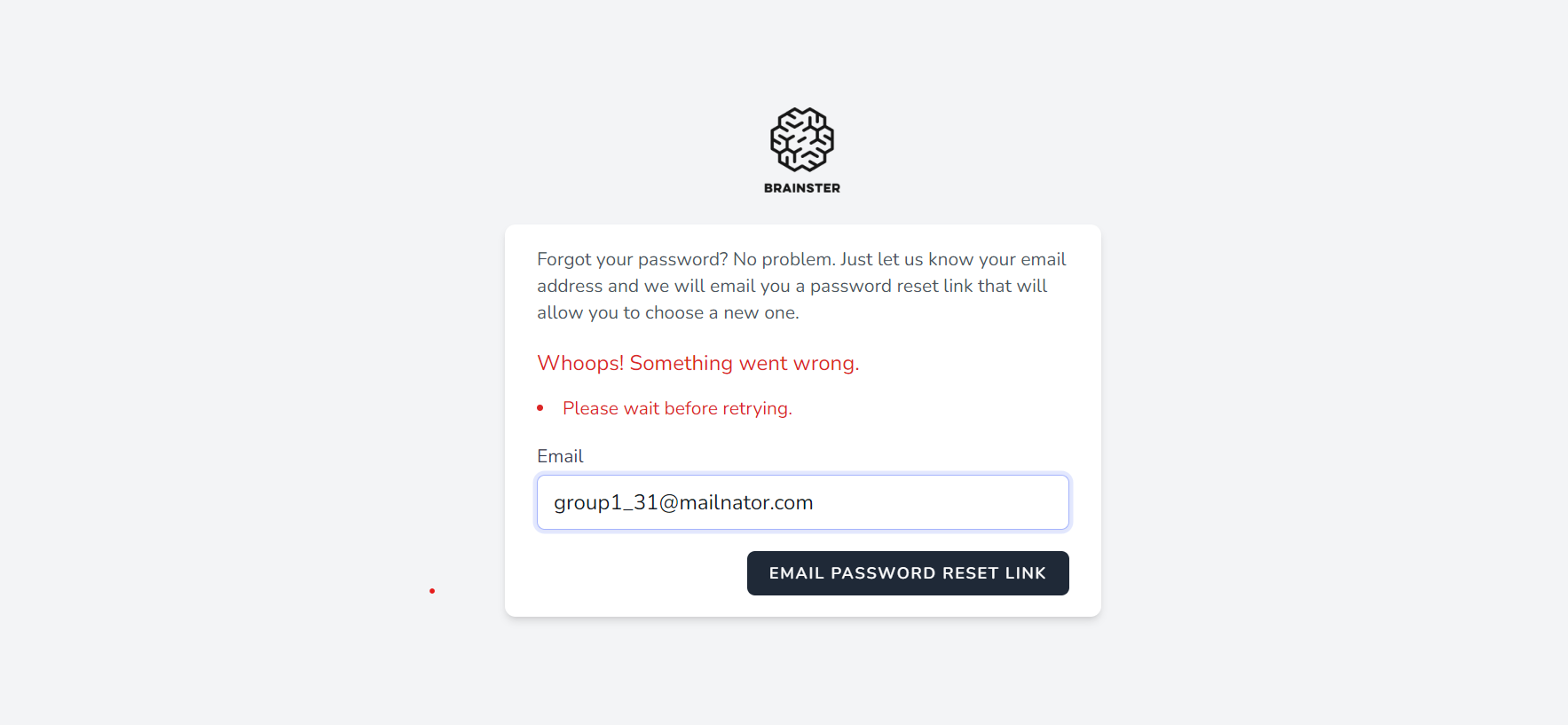
The forgot password option does not show how much time the user has to wait until the user can receive a password reset link
Environment
Browser:Google Chrome Version 125.0.6422.142 (Official Build) (64-bit)
Preconditions
The user must be preregistered
Steps to reproduce
1.Navigate to https://qainterrapt.brainster.xyz/login
2.Click the "Forgot your password?" option
3.Fill the "Email" field with invalid credentials
4.Click the "EMAIL PASSWORD RESET LINK" button
5.Fill the "Email" field with valid credentials
6.Click the "EMAIL PASSWORD RESET LINK" button
Expected Results
Actual Results
A message is displayed in red letters "Whoops! Something went wrong.Please wait Before retrying".There is no indication of how long a user must wait before the user can try again
Files