Actions
Bug #2678
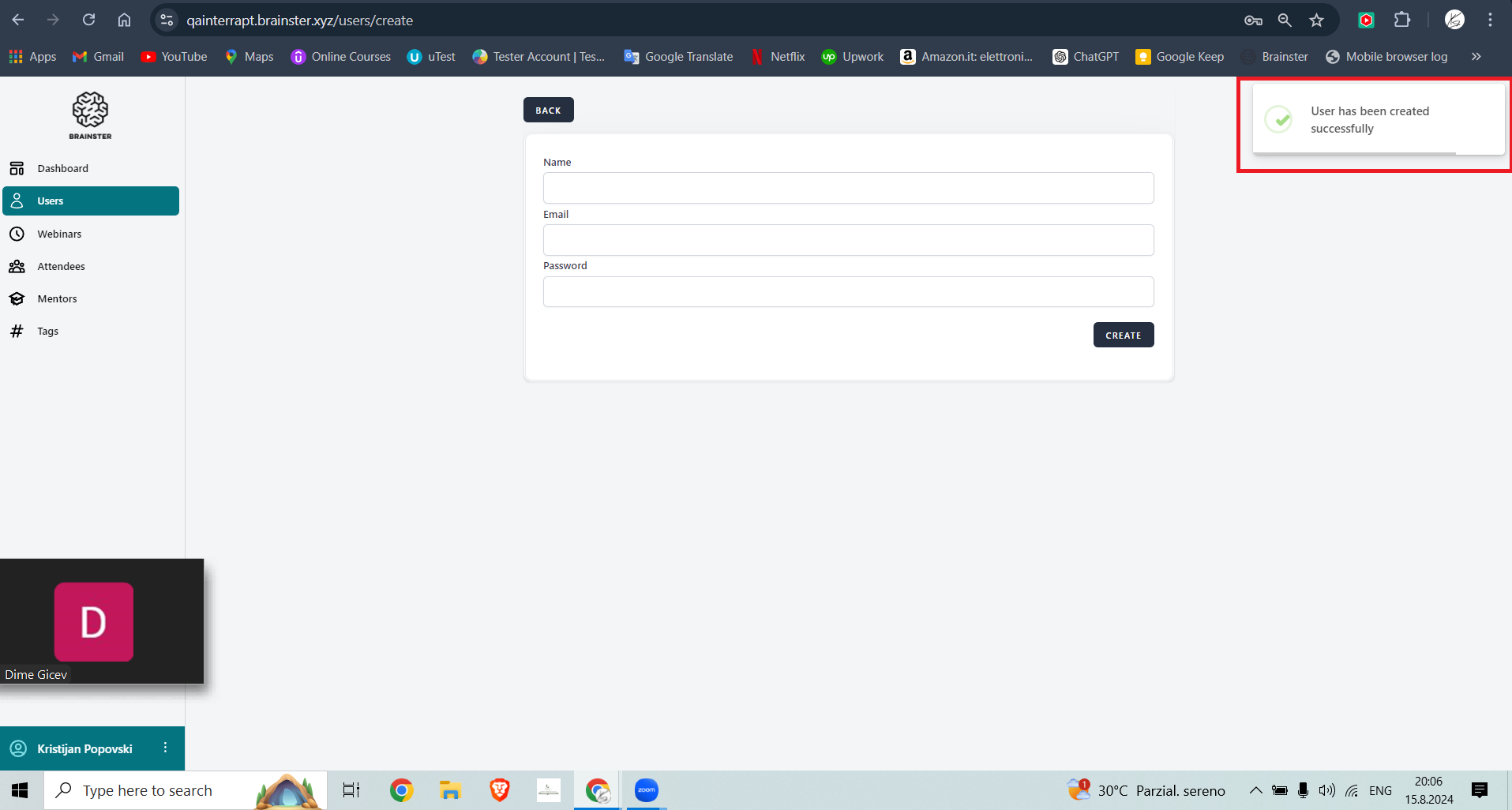
openUser is able to create new user with a name in the "Name" field with less than 3 characters
Start date:
08/15/2024
Due date:
08/15/2024 (about 22 months late)
% Done:
0%
Estimated time:
1:00 h
Description
Steps to Reproduce:
1. Open "https://qainterrapt.brainster.xyz/users"
2. Click on "Create" button on the right side of the page
3. Enter two character name on "Name" field ("Ki")
4. Enter valid mail on "Email" field
5. Enter valid password on "Password" field
6. Click on "Create" button
Expected results:
An error message should be shown that the user cannot be created with 2 characters below "Name" field
Actual results:
When trying to create an user with two character name, no message is shown and user is created successfully
Environment: Windows 10-Home
Browser: Chrome Version 127.0.6533.119 (Official Build) (64-bit)
Files
Actions