Actions
Bug #2875
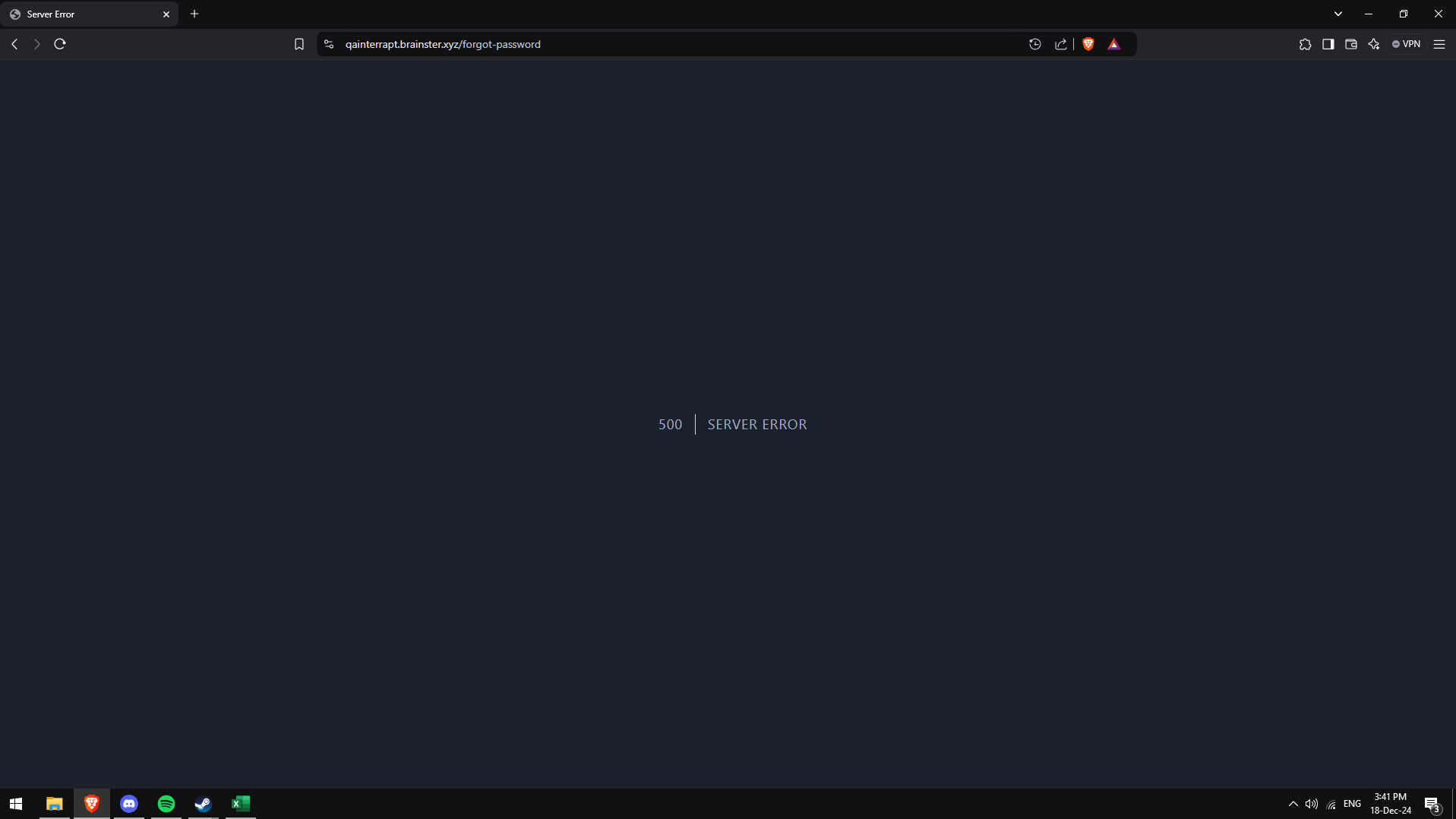
open[System] When the user clicks the "Forgot your password?" button, an error message appears.
Start date:
12/18/2024
Due date:
% Done:
0%
Estimated time:
Severity:
Critical
Description
By clicking "Forgot your password?" button, filling the "Email" field and clicking "Email password reset link", the user sees a message "500 | SERVER ERROR" and does not receive an email to reset the password.
Environment
https://qainterrapt.brainster.xyz/forgot-password
OS: Windows 10 Home v22H2
Brave Browser
v1.73.101
Safari
iOS 18.2
- Navigate to the login page.
- Click on the "Forgot your password?" button.
- Fill in the "Email" field.
- Click the "Email password reset link" button.
- Observe the error that appears after clicking the button.
Expected Result
A validation message should be displayed the user should receive an email with a password reset link.
Actual Result
The user is redirected to a page with a displayed message "500 | SERVER ERROR" and no email is received.
Files
Actions