Actions
Improvement #2879
open[Dashboard] Changing the color of the previously visited link.
Start date:
12/18/2024
Due date:
% Done:
0%
Estimated time:
Description
Environment:
https://qainterrapt.brainster.xyz/login
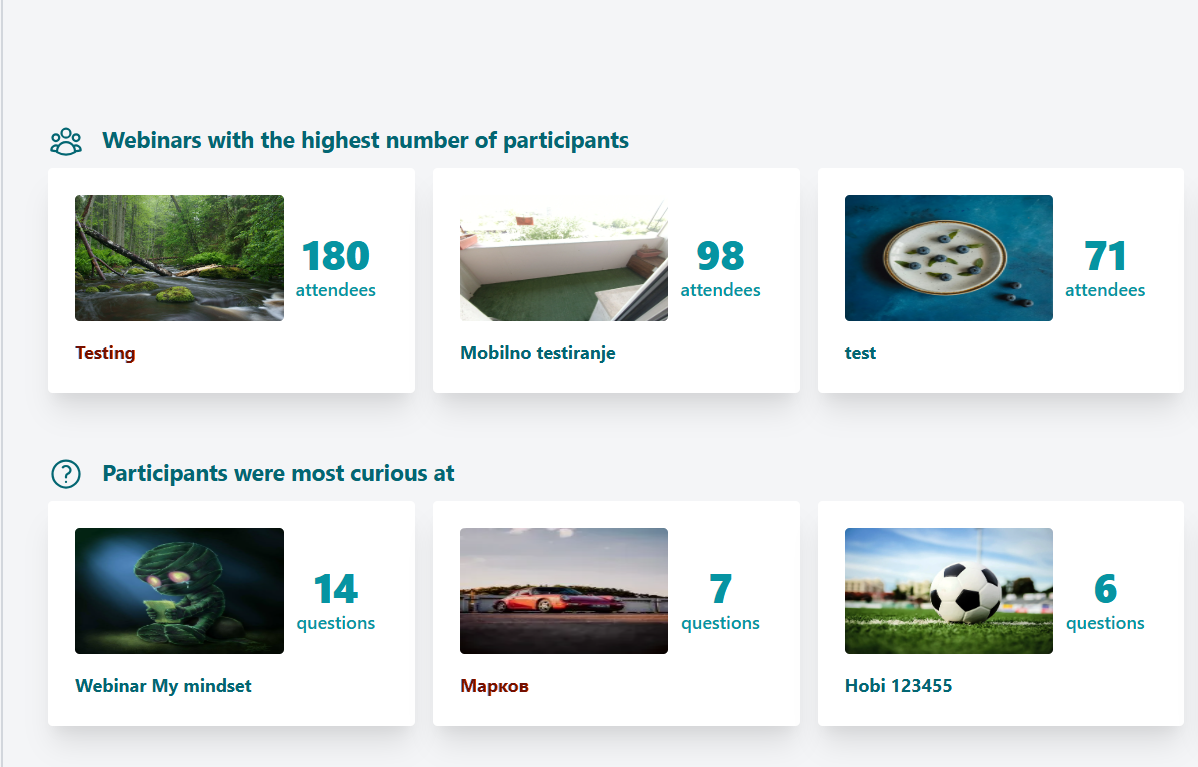
Steps to reproduce:- Log in to the system
- Navigate to the Dashboard page
- Select a webinar
- Click the "BACK" button to the dashboard page
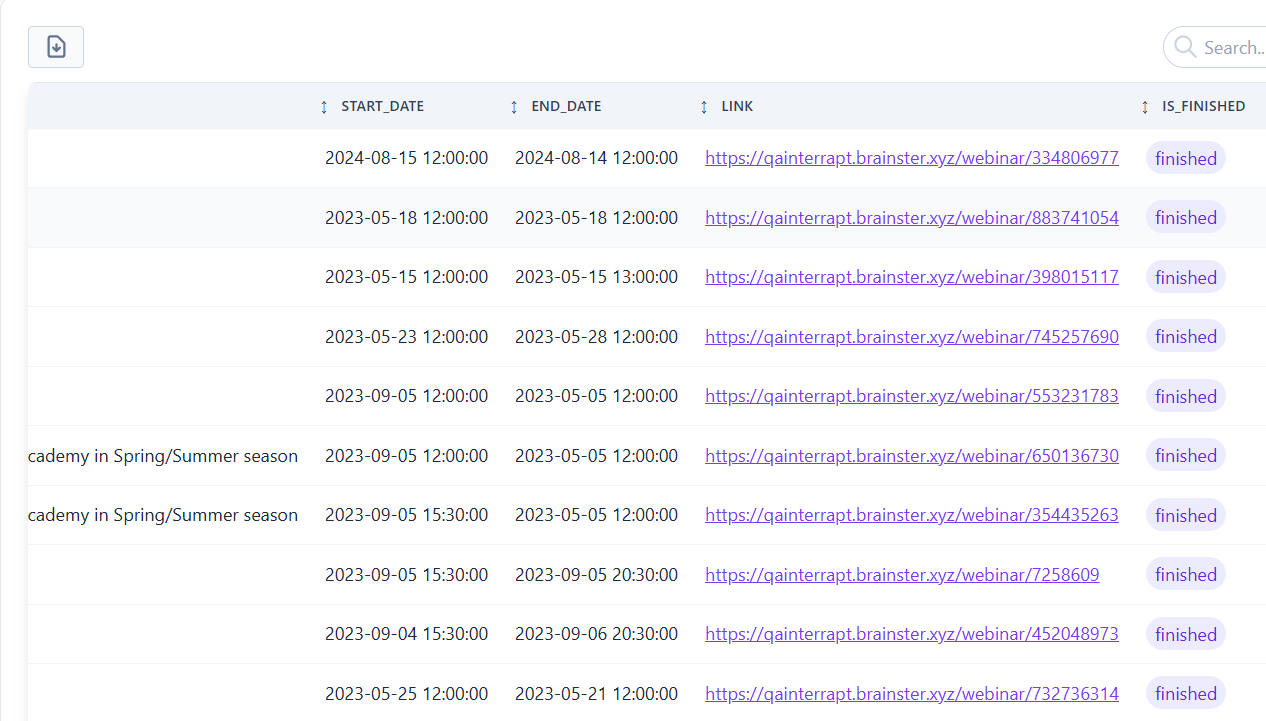
- Observe the previously visited and not visited links
Expected Result:
When the user has visited a certain link, the color of the visited link should differentiate from the not visited one.
Actual Result
The color of the links, visited and not visited is the same not differentiating the past user locations.
Files
| Screenshot_7.png (290 KB) Screenshot_7.png | |||
| Screenshot_14.png (58.7 KB) Screenshot_14.png |
Actions