Actions
Bug #292
openBug with the Forgot your password function.
Start date:
05/25/2023
Due date:
% Done:
0%
Estimated time:
Description
Description
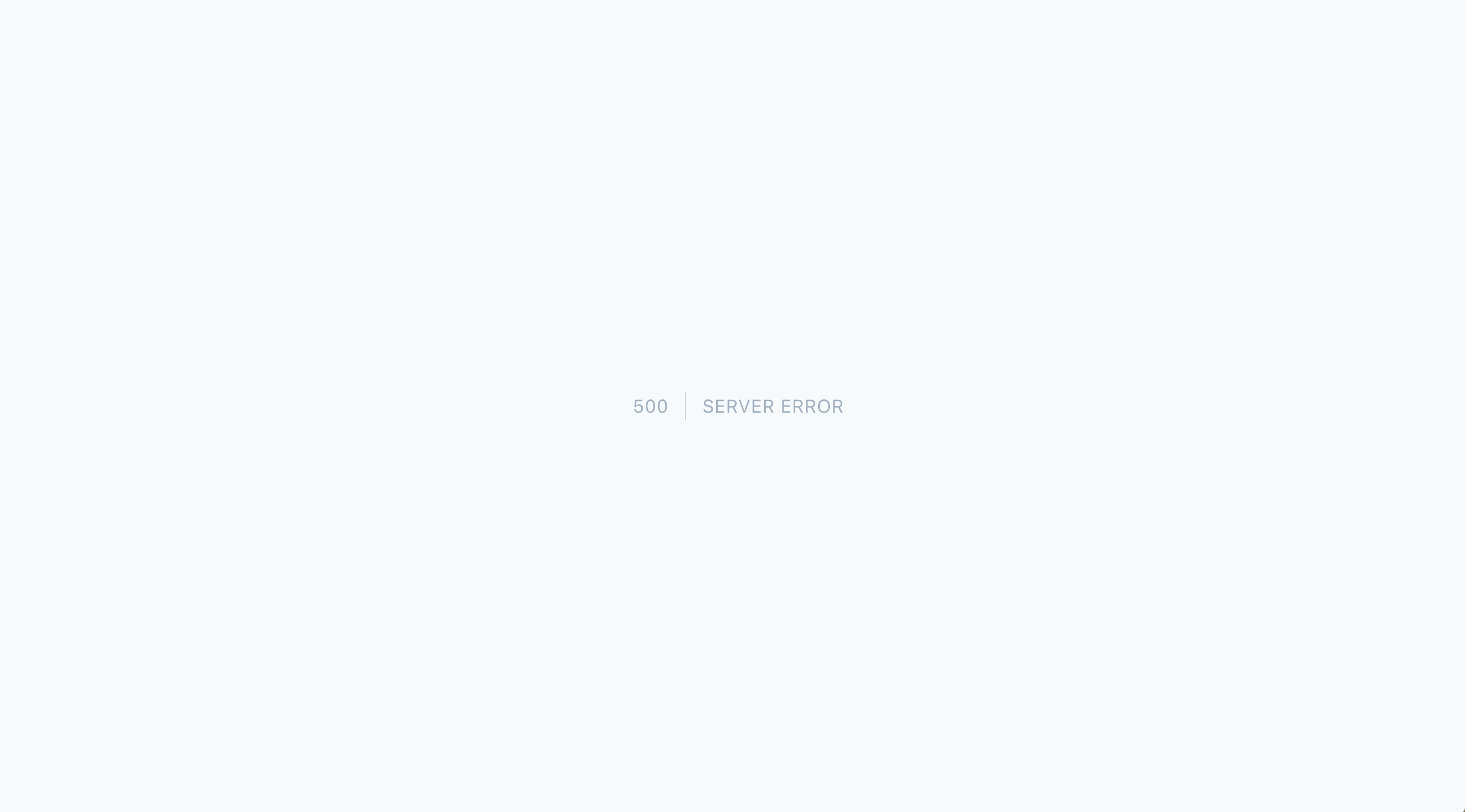
The "500 SERVER ERROR" warning appears when a user clicks the "Forgot your password?" button, enters a valid email address, and clicks the "EMAIL PASSWORD RESET LINK" button.
Steps to reproduce
1. Navigate to https://qainterrapt.brainster.xyz/login
2. Click on "Forgot your password?" button
3. Enter valid email address
4. Click on "EMAIL PASSWORD RESET LINK" button
Expected Results
A successful password reset request should result in the user receiving an email.
Actual Results
There is an error message "500 SERVER ERROR" when the user enters a valid email and clicks on the "EMAIL PASSWORD RESET LINK" button.
Files
Actions