Bug #2979
open[Tags] Title accept characters below minimum and above maximum required length range
0%
Description
Environment
https://qainterrapt.brainster.xyz/login
Microsoft Edge for Business
Version 131.0.2903.86 (Official build) (64-bit)
Phone / Android 11; Redmi Note 9 Pro Build/ Chrome 101.0.4951.621
Description
Tag can be successfully created when characters below minimum and above maximum required length range are entered in the 'Title' field
Pre-conditions
User must be logged on Interrapt
Test steps
1. Click on the 'Tags' via navigation menu
2. Click on the 'CREATE' button from top right corner
3. Fill in the 'Title' field with data under 5 characters
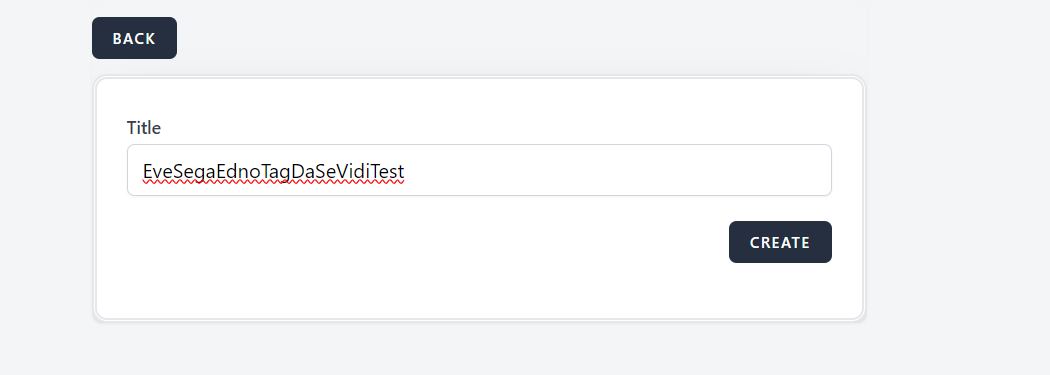
3a. Fill in the 'Title' field with data above 20 characters
4. Click on the 'CREATE' button
Expected result
A validation message should prevent saving new tag, with alert message 'Title field is required, it should be at least 5 and maximum 20 characters.' in red letters
Actual result
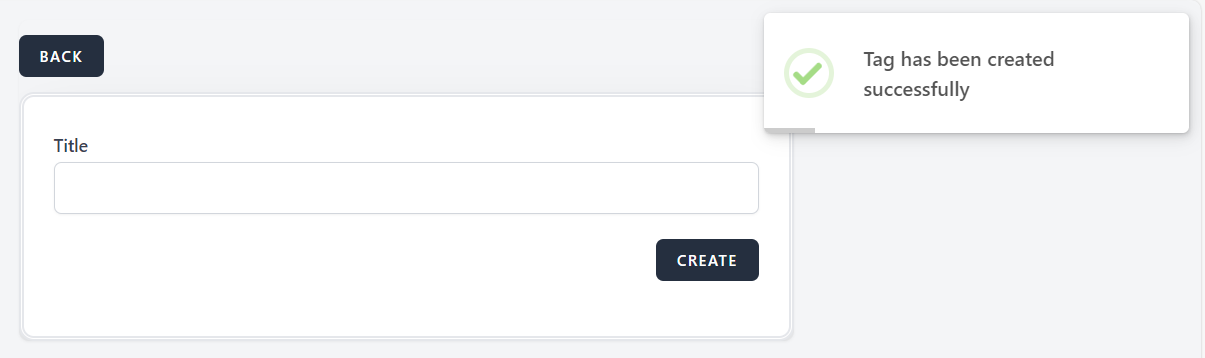
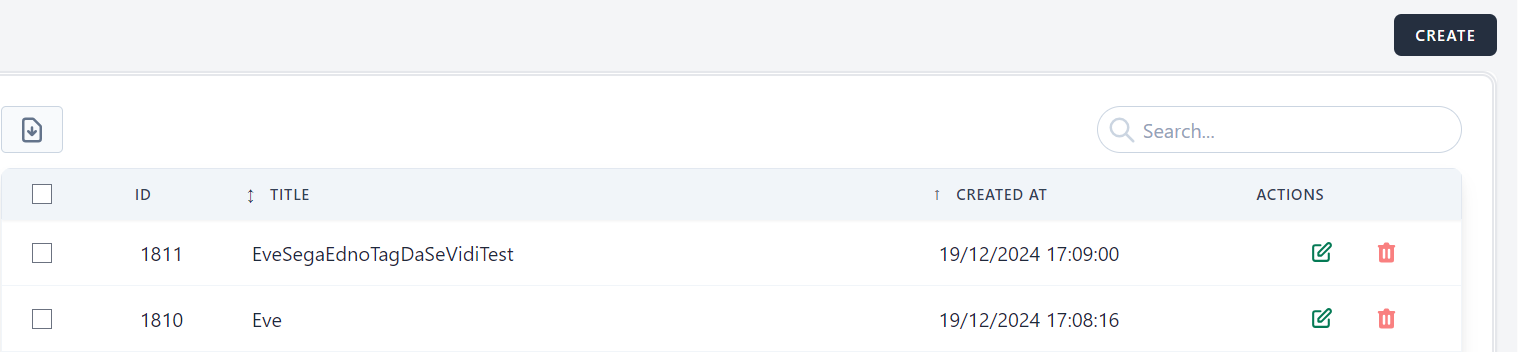
The system allows Tag to be created and added to the list without any validation error or restriction for required length range
Files