Actions
Bug #3059
open[Attendees] User is unable to download Excel data for selected attendees using the 'Download' icon
Start date:
06/11/2025
Due date:
% Done:
0%
Estimated time:
Description
Description
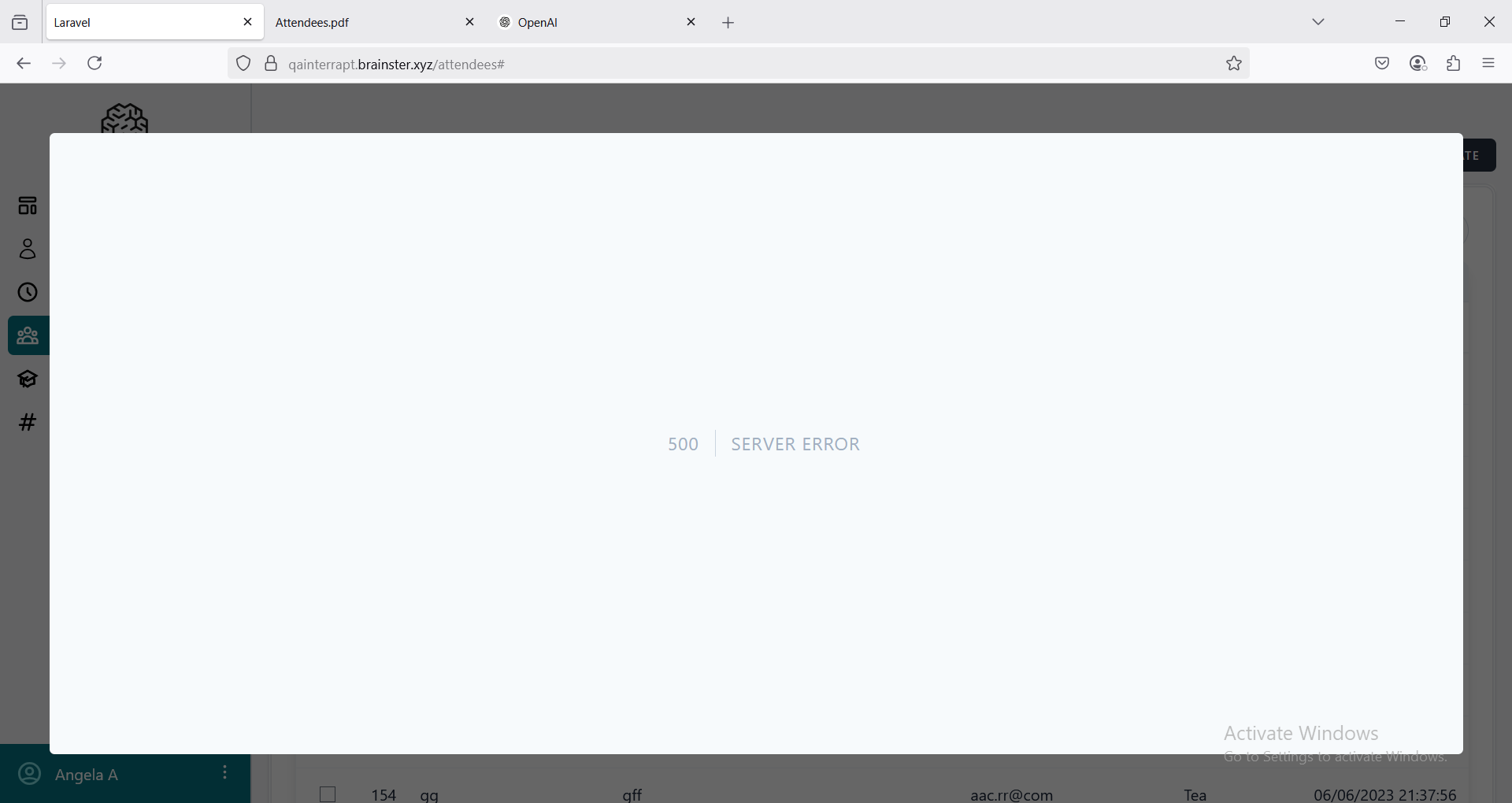
When attempting to download Excel data for selected attendees an error message appears stating '500 Server Error'
Environment
OS Windows 11 Pro Version 24H2
Firefox 139.0.1 (64-Bit)
https://qainterrapt.brainster.xyz/attendees
Precondition
User must be logged in as admin
- Log in to the system
- Navigate to the 'Attendees' page
- Select few attendees
- Click on the 'Download' icon
- Click on selected for the Excel option
- Observe if the file is to be downloaded
Expected result
An Excel file for the selected attendees should be automatically downloaded
Actual result
An error message appears stating '500 Server Error'
Files
Updated by Angela P about 1 year ago
- Subject changed from [Attendees] An error occurs when attempting to download Excel data for selected attendees from the 'Download' icon to [Attendees] User is not able to download Excel data for selected attendees from the 'Download' icon
Updated by Angela P about 1 year ago
- Subject changed from [Attendees] User is not able to download Excel data for selected attendees from the 'Download' icon to [Attendees] User is not able to download Excel data for selected attendees using the 'Download' icon
Updated by Angela P about 1 year ago
- Subject changed from [Attendees] User is not able to download Excel data for selected attendees using the 'Download' icon to [Attendees] User is unable to download Excel data for selected attendees using the 'Download' icon
Actions