Actions
Bug #344
open[Dashboard] The Webinar QR code is not displayed properly
Start date:
06/08/2023
Due date:
% Done:
0%
Estimated time:
Description
Description
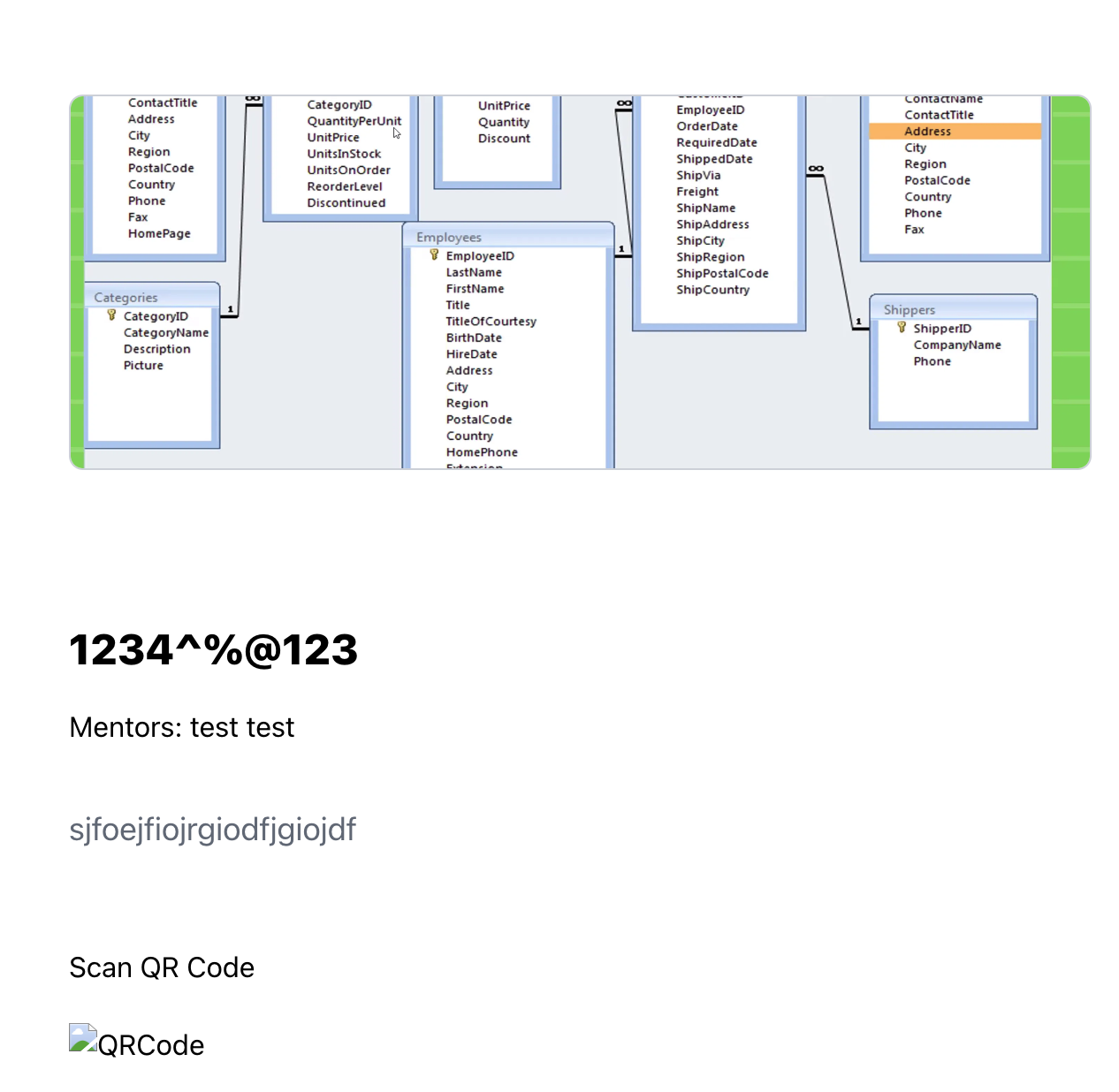
The QR code for the Webinar 1234^%@123 is not displayed properly
Steps To Reproduce
1. Navigate to https://qainterrapt.brainster.xyz/login
2. Login with Valid Credentials
3. Scroll down to Webinar 1234^%@123
3. Select Webinar 1234^%@123 from the Dasboard
Expected Result
Webinar 1234^%@123 QR code should be displayed properly
Actual Result
The QR code for the Webinar 1234^%@123 is not displayed properly
Enviorenment
Galaxy S8
Android 6.0
Chrome
Files
Updated by Martina Nikolchevik about 3 years ago
- Subject changed from Webinar QR code to The Webinar QR code is not displayed properly
- Description updated (diff)
Updated by Martina Nikolchevik about 3 years ago
- Subject changed from The Webinar QR code is not displayed properly to [Dashboard] The Webinar QR code is not displayed properly
- Description updated (diff)
Actions