Bug #571
open
[Mentors] By clicking on the EDIT button, a user is not able to save the changes.
Added by Petar Gorgeski about 3 years ago.
Updated almost 3 years ago.
Description
Environment:
Google Chrome Version 114.0.5735.110 (Official Build) (64-bit) / https://qainterrapt.brainster.xyz/
Precodition:
'Mentors profile' must be previously created.
Steps to reproduce:
1. Click on the 'Mentor Tab'
2. Click on some of the profile's.
3. Click on 'Edit' button
4. Fill the 'Name' field
5. Make changes and close
Expected results:
The user should be able to save the changes after updating the fields with valid data and click on Edit button.
Actual results:
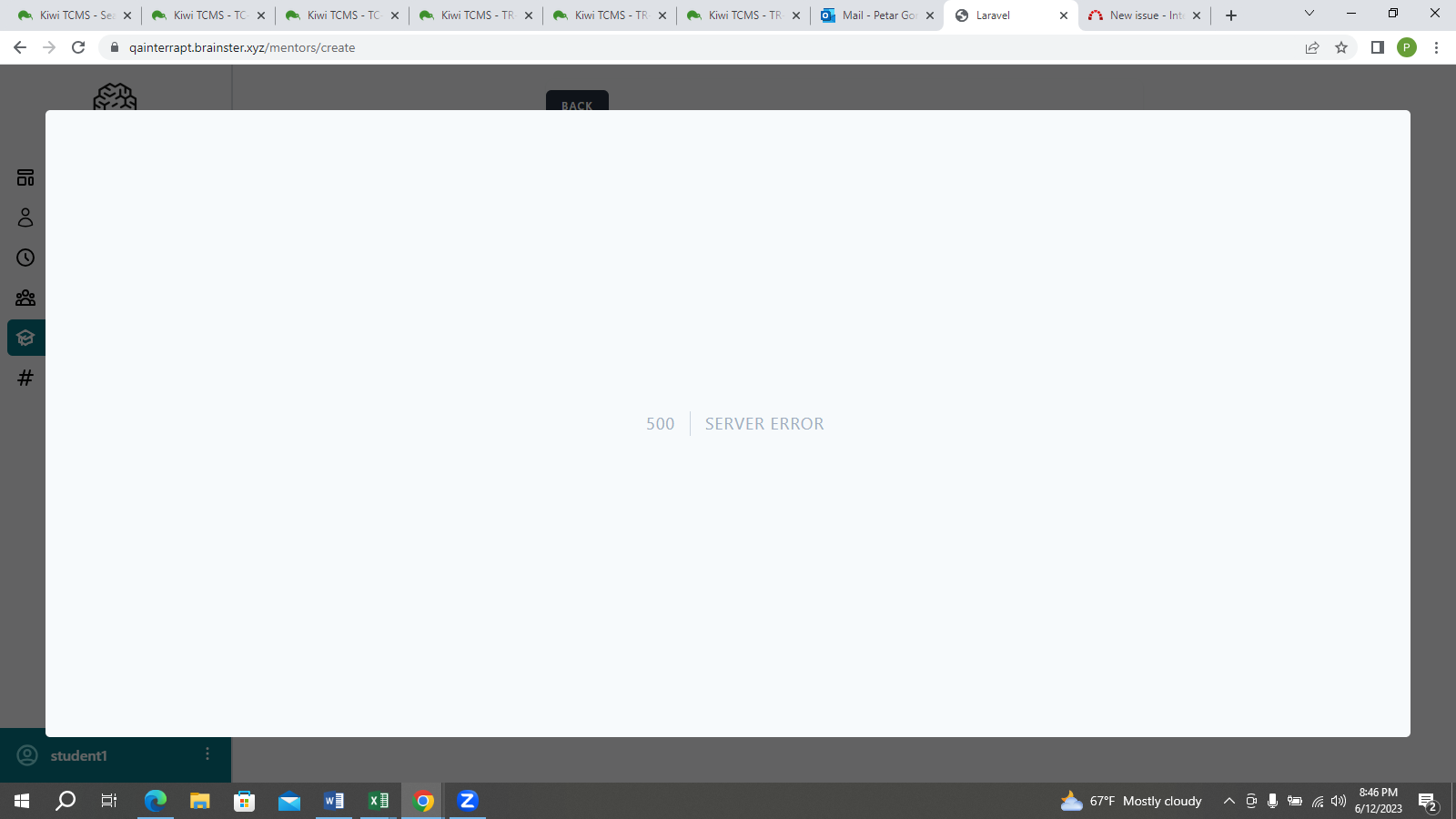
Error message is displayed / "500 Server Error"
Severity:Blocker
Files
- Description updated (diff)
- Description updated (diff)
- Description updated (diff)
- Description updated (diff)
- Description updated (diff)
- Subject changed from [Mentors] Verify that clicking the 'EDIT' button and make changes after that we close it the changes will be saved to [Mentors] By clicking 'EDIT' button and make changes the user is able to see the new valid credentials.
- Description updated (diff)
- Description updated (diff)
- Subject changed from [Mentors] By clicking 'EDIT' button and make changes the user is able to see the new valid credentials. to [Mentors] By clicking 'EDIT' button and make changes the 'User' is able to see the new valid credentials.
- Description updated (diff)
- Subject changed from [Mentors] By clicking 'EDIT' button and make changes the 'User' is able to see the new valid credentials. to [Mentors] By clicking 'EDIT' button and make changes the user is able to see the new valid credentials.
- Subject changed from [Mentors] By clicking 'EDIT' button and make changes the user is able to see the new valid credentials. to [Mentors] By clicking on the EDIT button, a user is not able to save the changes.
- Description updated (diff)
Also available in: Atom
PDF