Actions
Bug #580
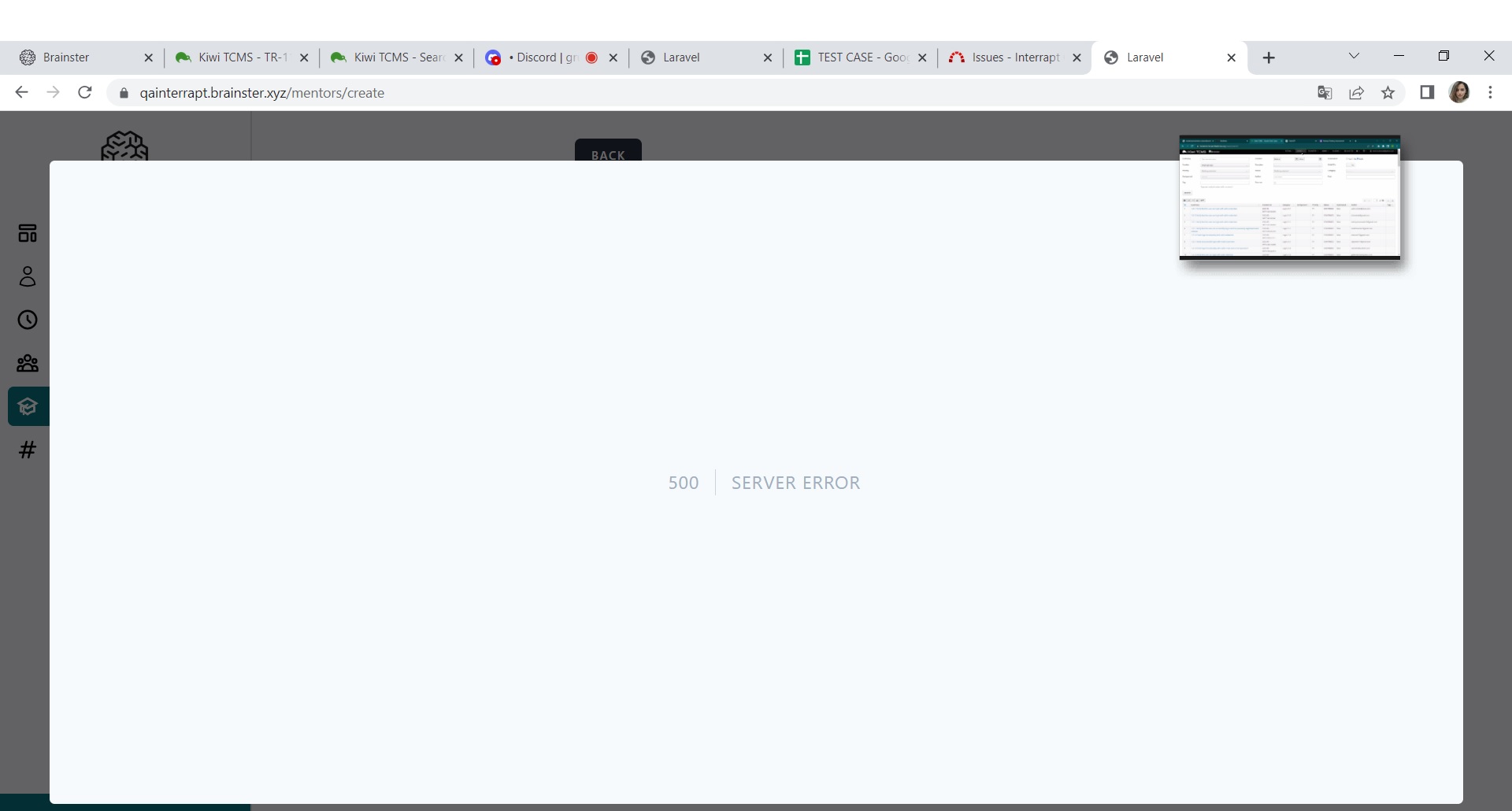
openThe user is not able to create new Mentor
Start date:
06/12/2023
Due date:
% Done:
0%
Estimated time:
Description
Description
The user is not able to create new Mentor in Mentors menu, 500| SERVER ERROR message is shown
Environment
Desktop device
Precondition
Steps to reproduce
1. Navigate to the https://qainterrapt.brainster.xyz
2. Login with valid credentials
3. Open the Mentors menu
4. Click on the Create button
5. Input the Name
6. Input the Surname
7. Input the Email
8. Input the the Bio
9. Input the the Occupation
10. Click on the Create Button
Expected Result
New Mentor should be created
Actual Result
500| SERVER ERROR message is shown on full screen
Browser
Google Chrome Version 114.0.5735.110(64-bit)
Files
Actions