Actions
Bug #599
open[WEBINARS] The user should not able to upload an image bigger than 5 MB
Start date:
06/13/2023
Due date:
% Done:
0%
Estimated time:
Description
Test Environment and URL
OS - Windows 10 Home
Browser – Version 113.0.5672.127 (Official Build) (64-bit)
Navigate to: https://qainterrapt.brainster.xyz/login
Preconditions
The user needs to be logged in
Steps to Reproduce
Click on the "CREATE" button
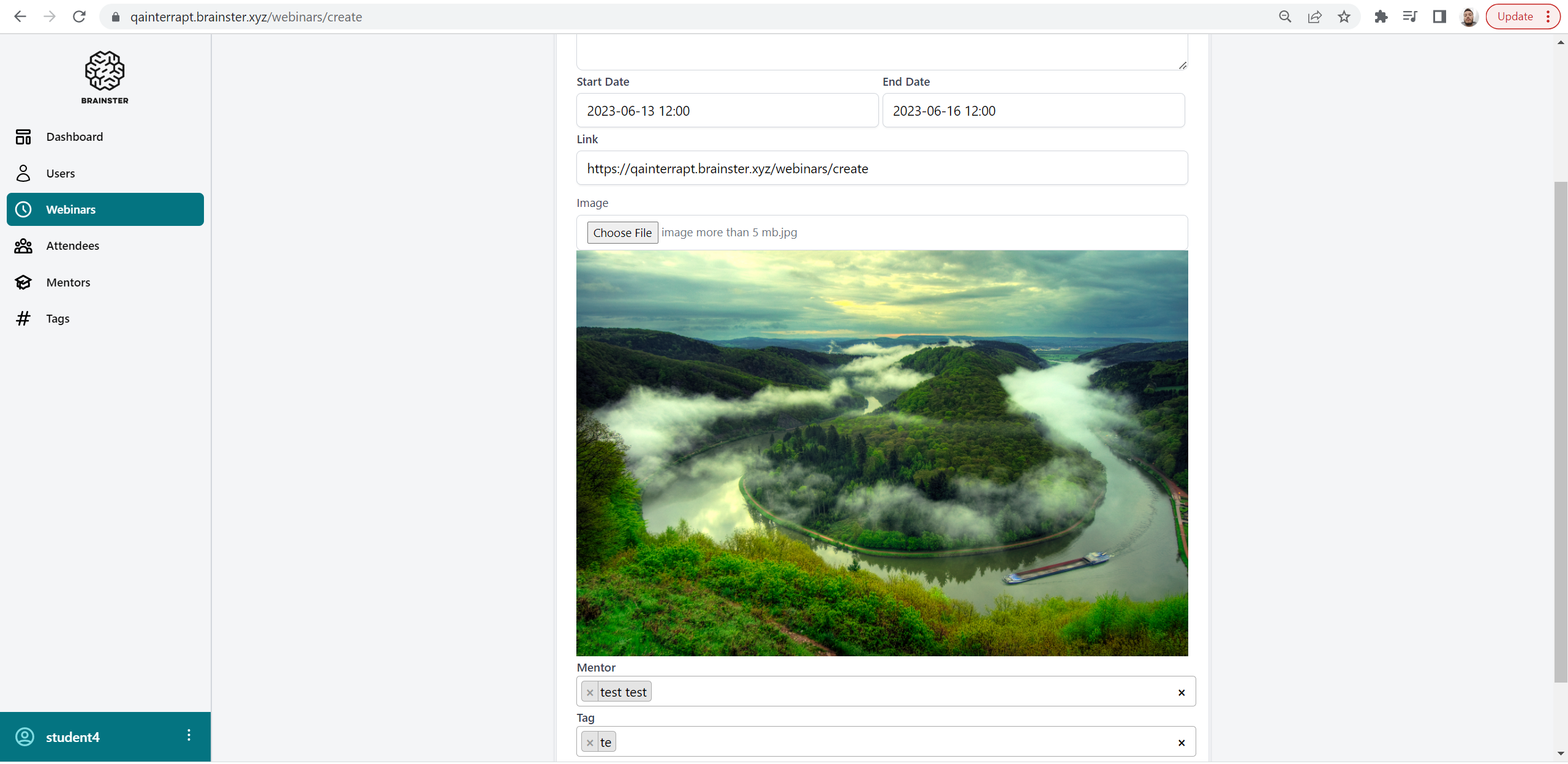
Click on the "Choose File" button
Select an image file in JPEG format, with size bigger than 5 MB
Click Upload
Wait for the upload to be completed
Click on the "CREATE" button
Expected Results
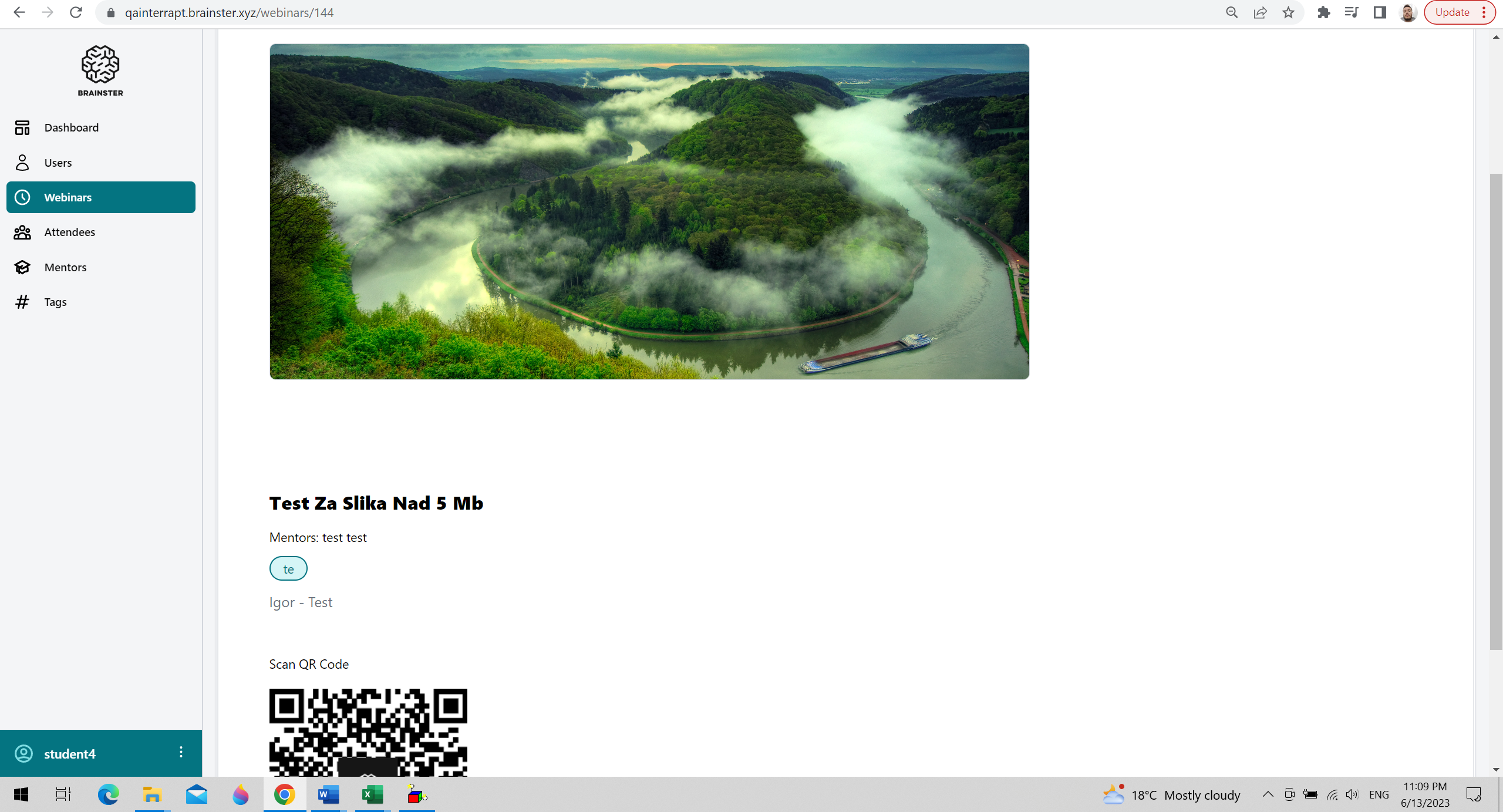
The image should not be uploaded
Actual Results
The image which is bigger than 5 MB, is uploaded successfully
Files
| test image 1.png (1.2 MB) test image 1.png | |||
| test image 2.png (1.52 MB) test image 2.png |
Actions