Actions
Bug #634
open[ WEBINARS ] User cannot open the webinar.
Start date:
06/14/2023
Due date:
% Done:
0%
Estimated time:
Description
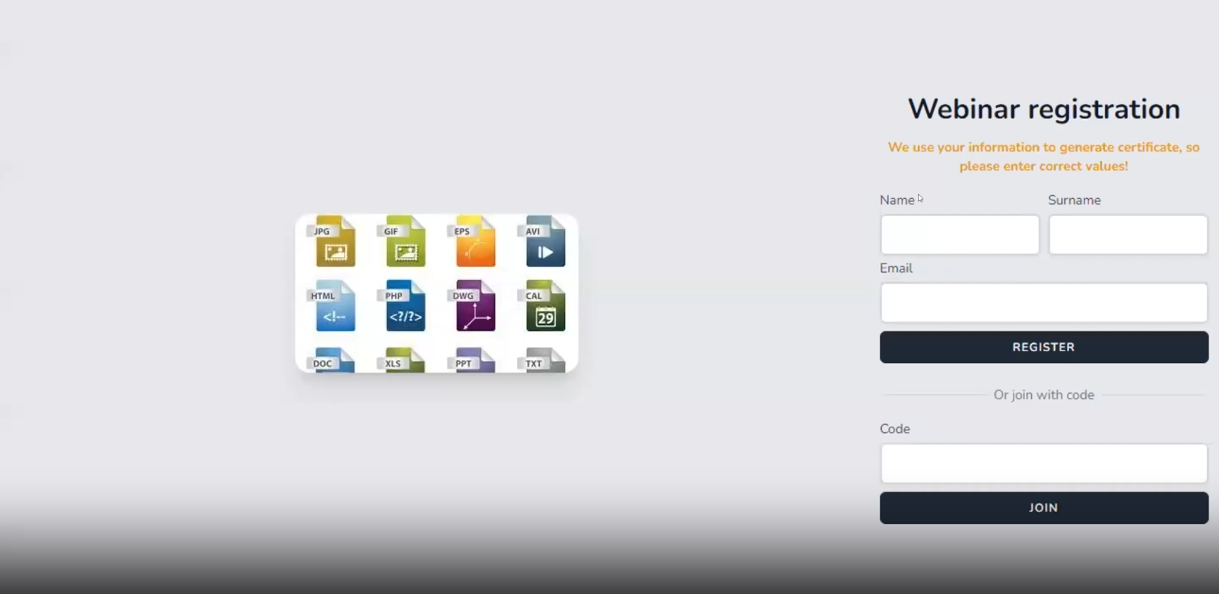
When you select and try to open the webinar user is asked to register an account or to login with a code.
Environment
- OS - Windows 11
- Browser Google Version 114.0.5735.110 (Official Build) (64-bit)
- https://qainterrapt.brainster.xyz
Precondition
1. The user must be logged in.
Steps to reproduce
1. Click Log in
2. Click on Dashboard
3. Select Webinar: "Automation Testing"
Actual result :
User is asked to register or log in with code to enter the Webinar.
Expected result :
User should be able to open the selected Webinar without asking to register or log in with a code, because he is already logged in.
Files
Updated by Viktor Trajkoski almost 3 years ago
- Subject changed from User cannot open the webinar. to [ WEBINARS ] User cannot open the webinar.
Actions